
For every connection — Proxmox VE, a second Proxmox Backup Server or a Linux host with proxmox-backup-client — you need the connection information from the Client Area.
Where to find it
My Products & Services → your Managed Proxmox Backup Server. At the top right of the tile with the datastore name, the info icon opens the Connection Information.
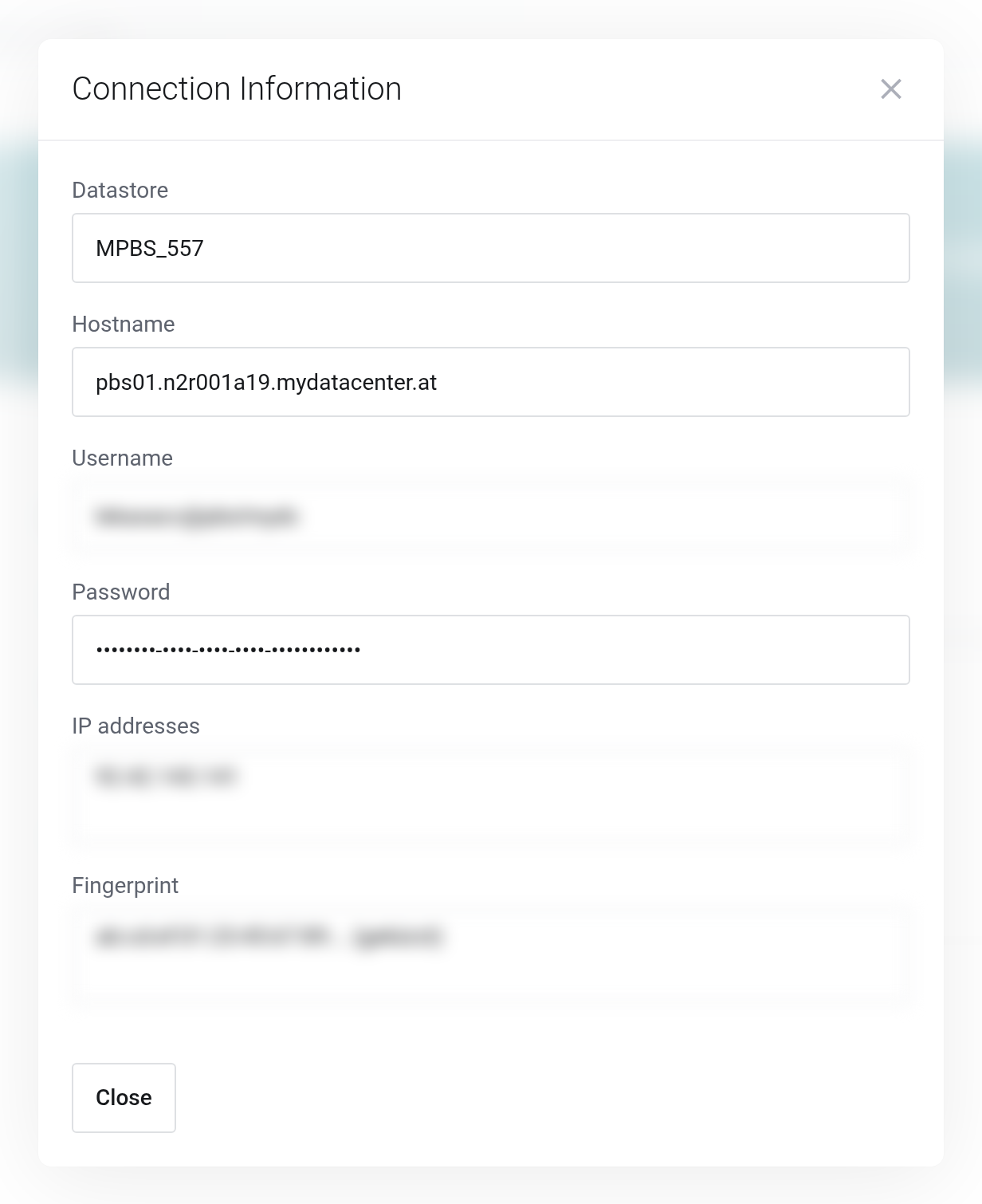
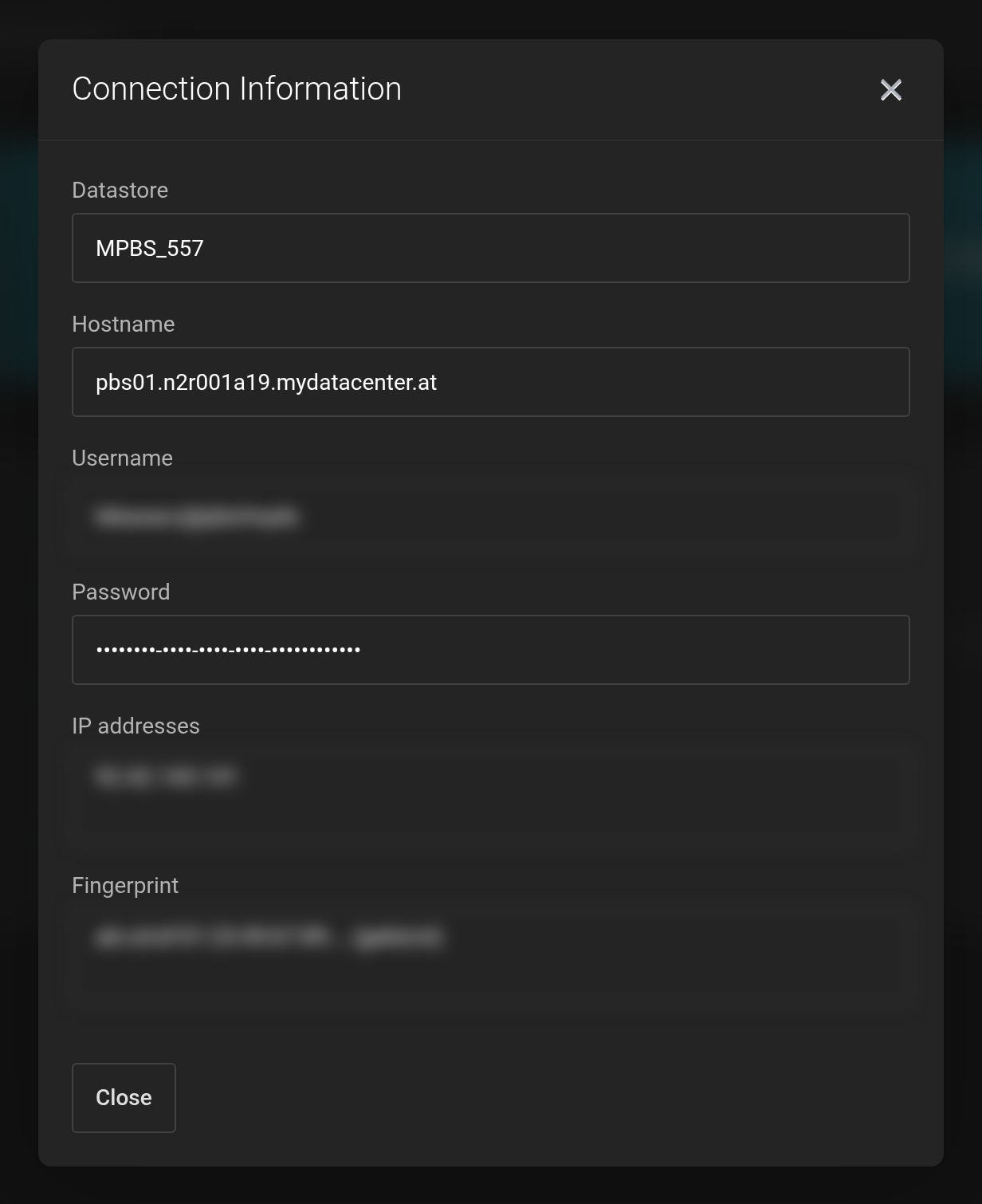 Password and Fingerprint are redacted in this image.
- Datastore
MPBS_<service ID>— goes into the Datastore field in Proxmox VE.- Hostname
- The server your datastore is on — in Proxmox VE the Server field.
- Username
- Your access user in the format
<id>@pbs!mydc. The value goes in full into a single field. - Password
- The secret of the API token, in plain text for copying.
- IP addresses
- The address we use to connect to you. Only needed for sync jobs in the pull direction: your server must then be reachable from there on port 8007.
- Fingerprint
- The certificate fingerprint of our backup server — in Proxmox VE the Fingerprint field. It applies to all services on the same server; that is not an error.
Treat the username and the password like a password. Anyone who has both and comes from an allowed IP address can read and delete your backups. If you suspect a compromise, get in touch with us — we will replace the token.


