
You manage mailboxes, additional addresses, distribution lists and further domains yourself in the Client Area under My Products & Services → your Managed Zimbra Hosting.
Mailboxes
In the E-Mail Accounts section, the heading shows how many mailboxes you are using and how many your plan allows, for example Accounts (1/20).
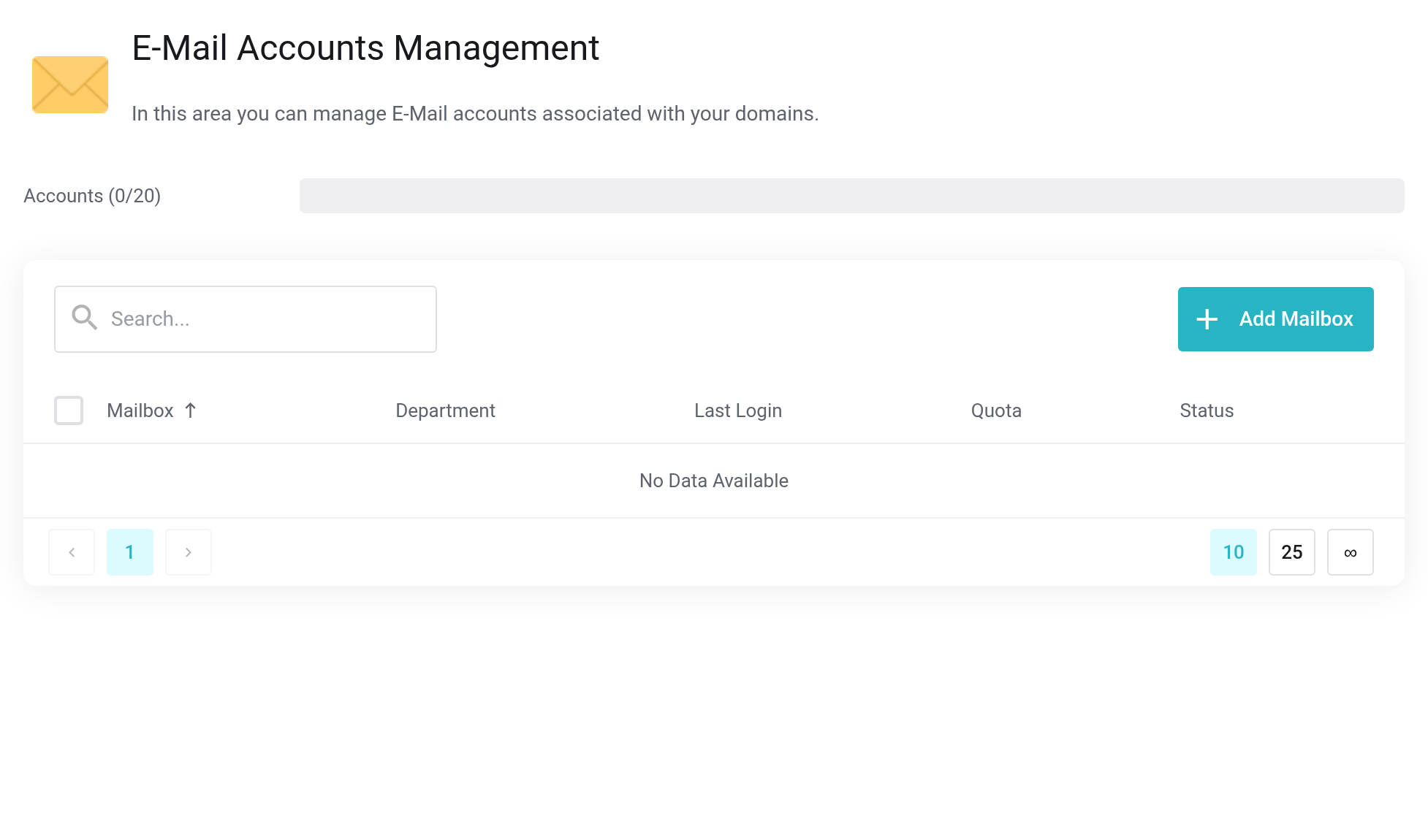
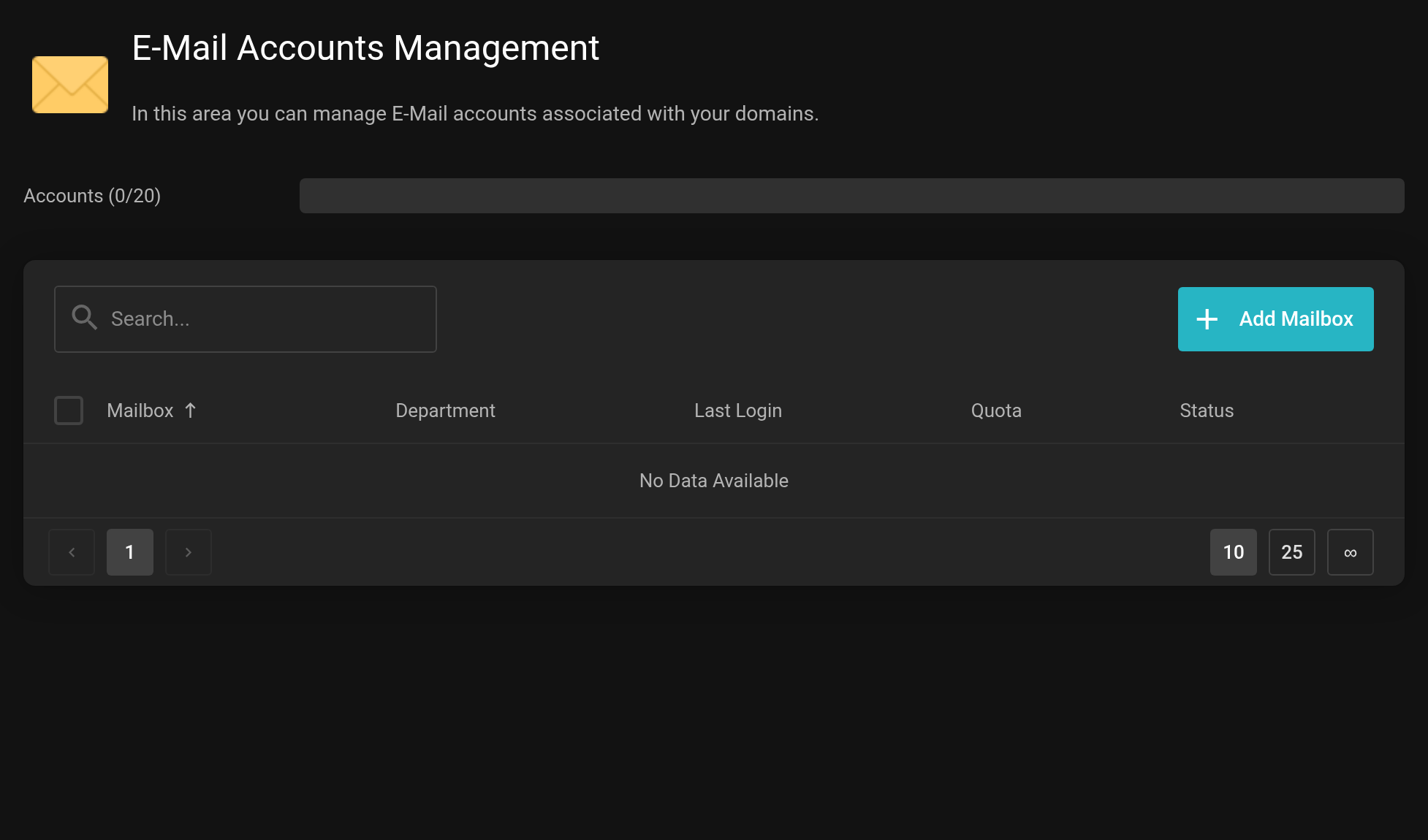 The Quota column shows the space used per mailbox.
New mailbox
Add Mailbox opens the Add E-Mail Account dialog.
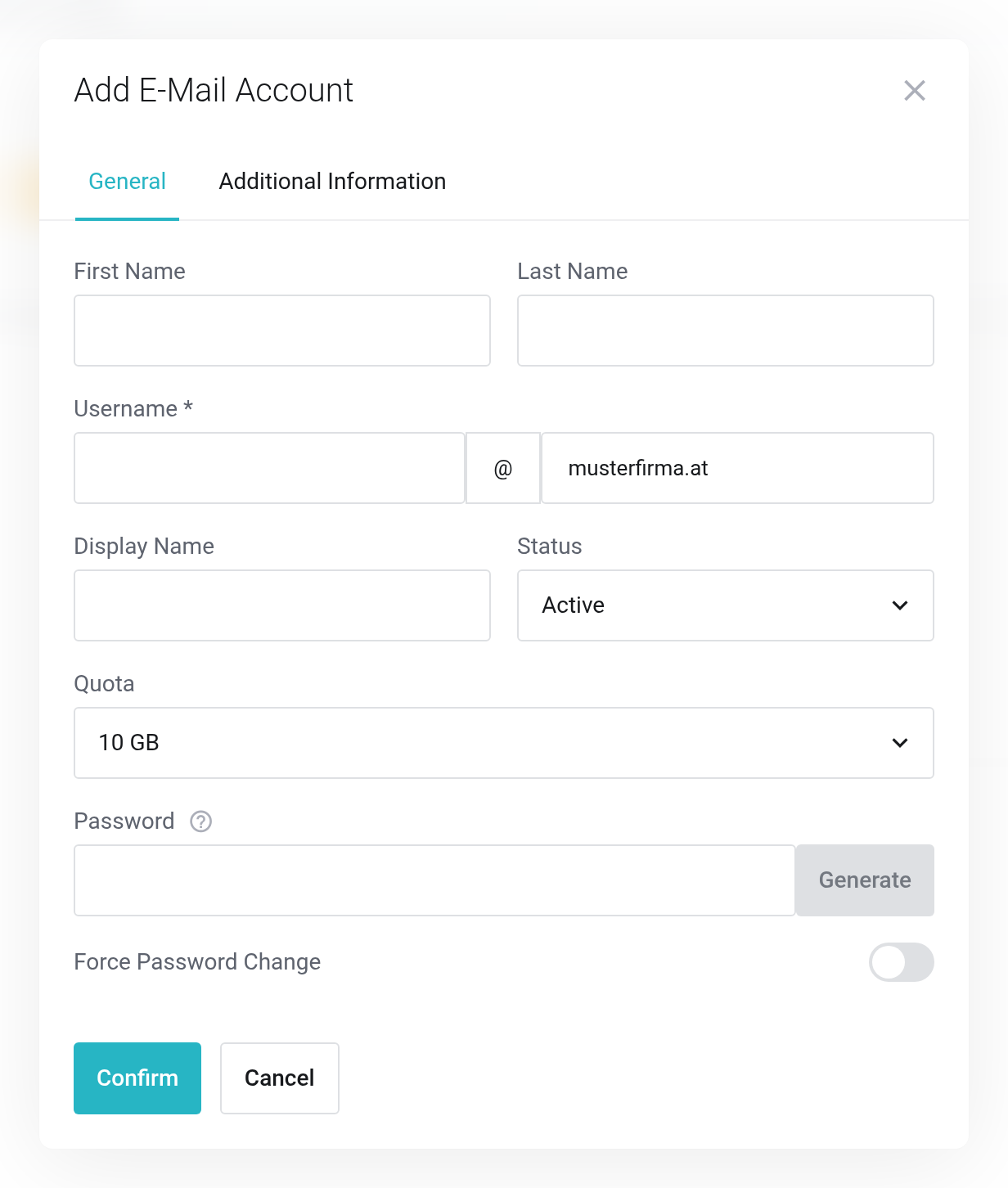
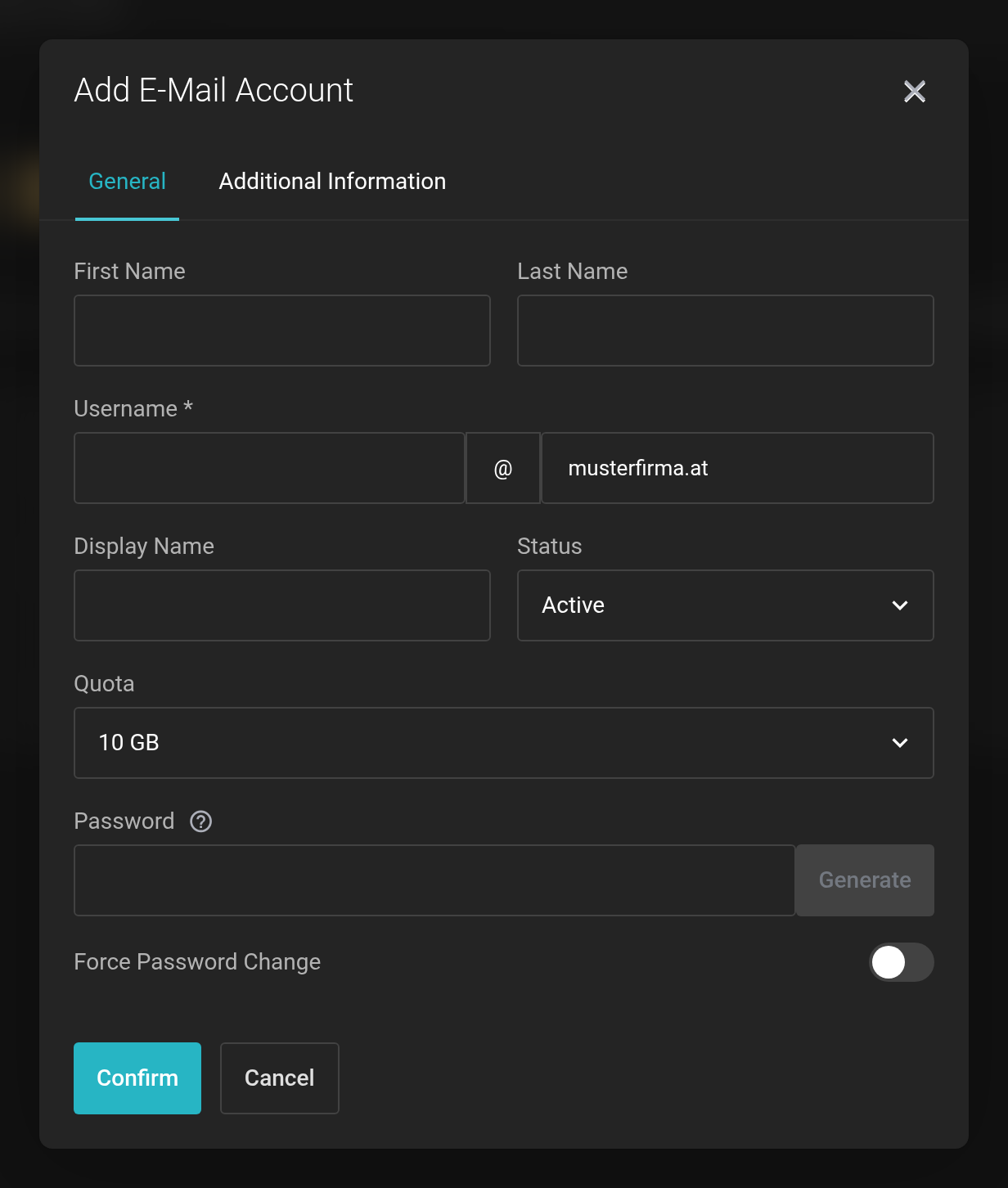 The only required field is Username; the domain next to it is fixed.
- Username
- The part before the
@. - Display Name
- The name recipients see. If you leave it empty, the first and last name are used.
- Status
- Active for normal operation. A locked mailbox keeps receiving messages, but signing in is not possible.
- Quota
- The mailbox size, taken from the sizes your plan offers.
- Password
- Set one yourself or create one with Generate. Force Password Change requires a password of their own at the first sign-in — recommended if you pass the password on.
On the Additional Information tab you can optionally store company, job title, department and address for the shared address book. With Confirm, the mailbox is ready to use straight away.
Change, lock, delete
Use the icons at the end of the row to change the quota or the password. With Change Status you lock access without losing any data.
Deleting removes the mailbox with all its contents — emails, calendars, contacts and tasks. When someone leaves the company, locking is usually the better choice: the data is kept.
E-Mail Aliases
An alias is an additional address for an existing mailbox — office@, for example. Aliases do not count toward the number of mailboxes you have.
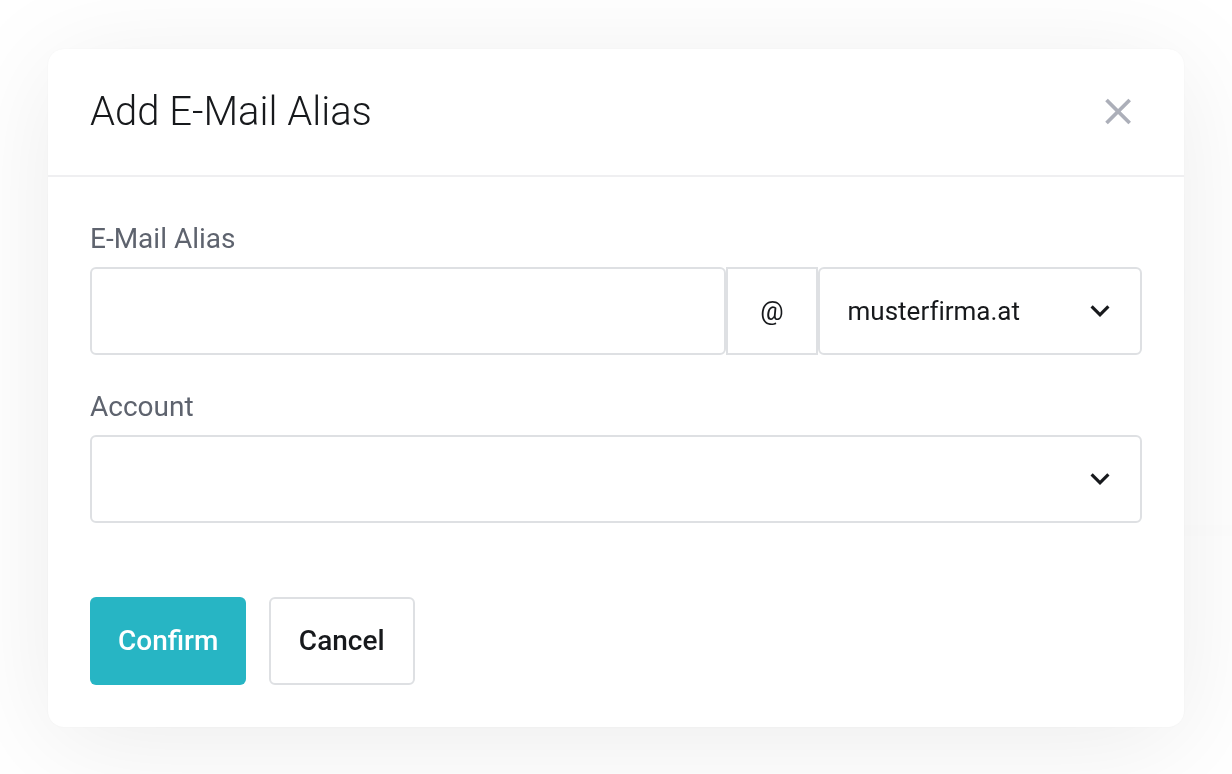
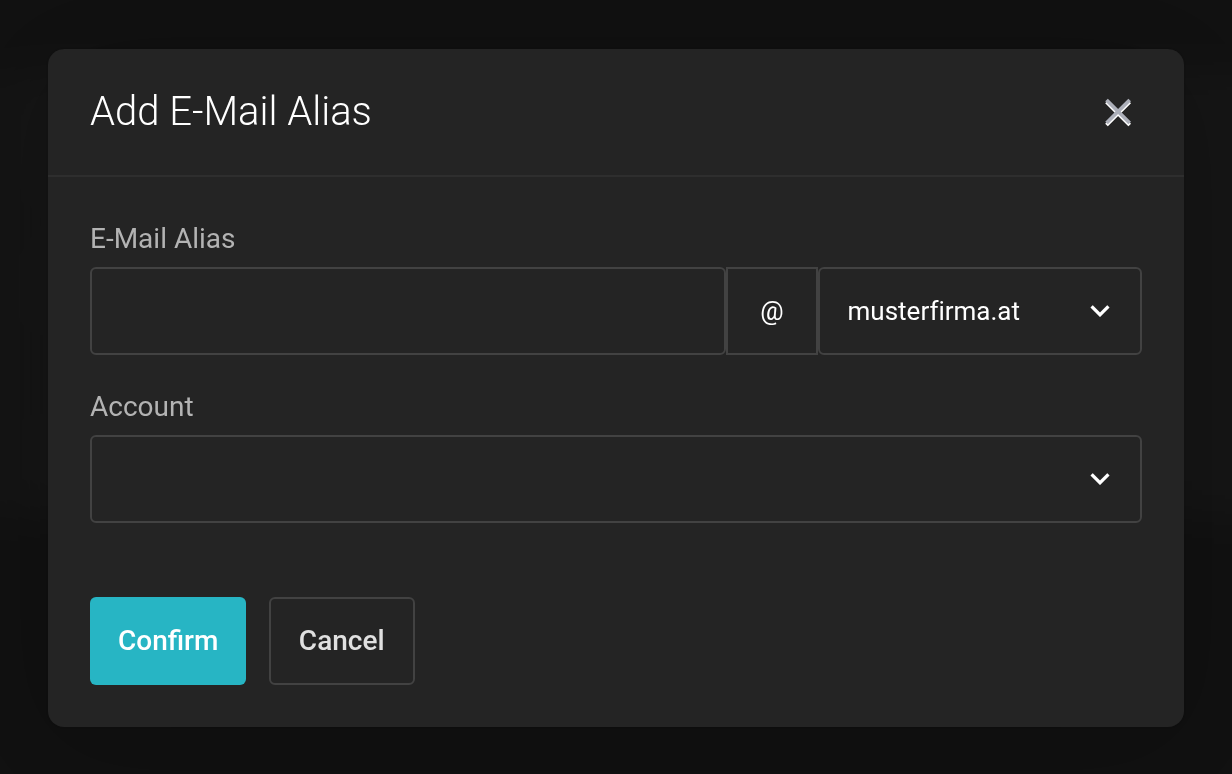 Choose the target account, enter the address.
Distribution Lists
A distribution list delivers messages that reach a shared address to all of its members, for example team@musterfirma.at.
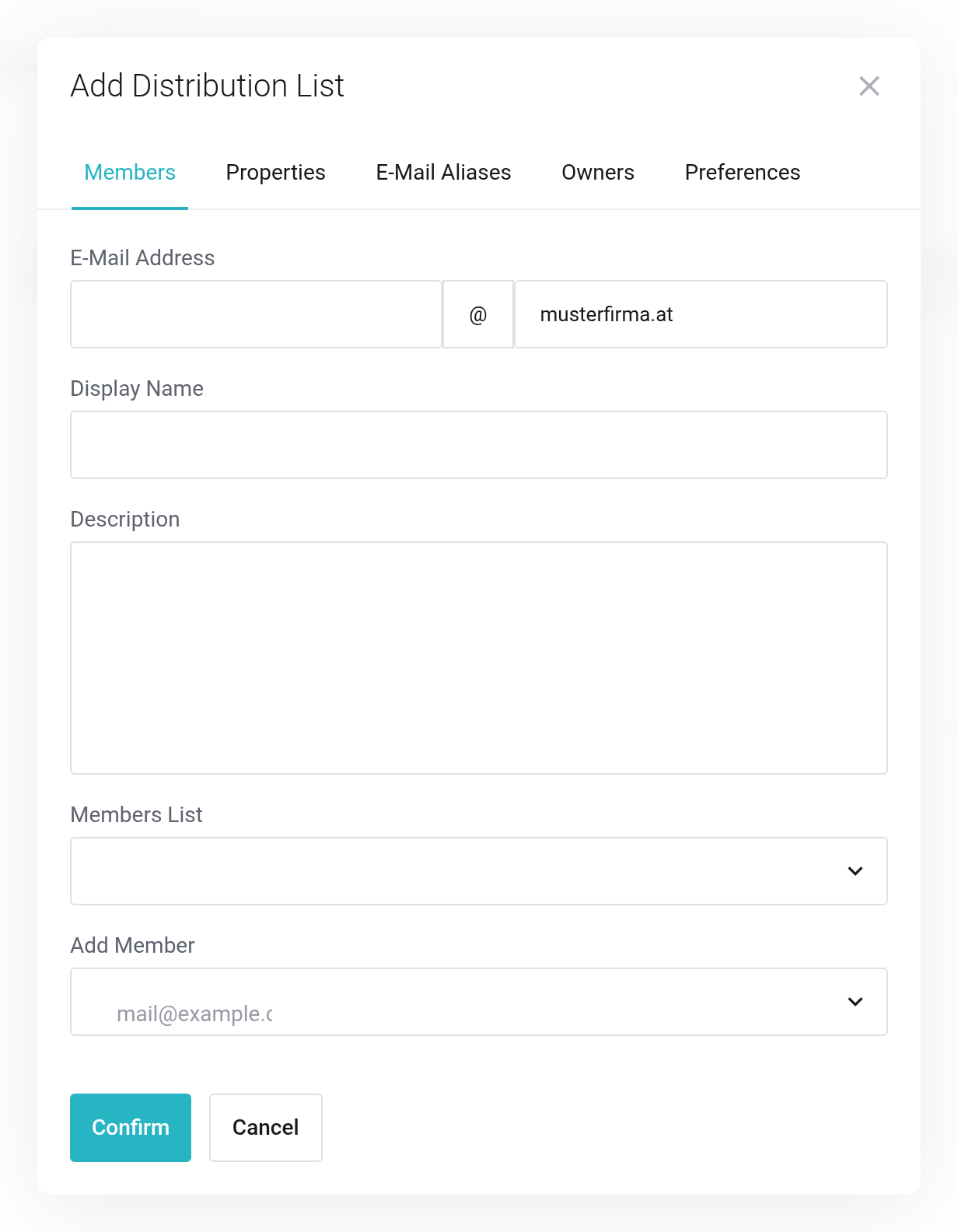
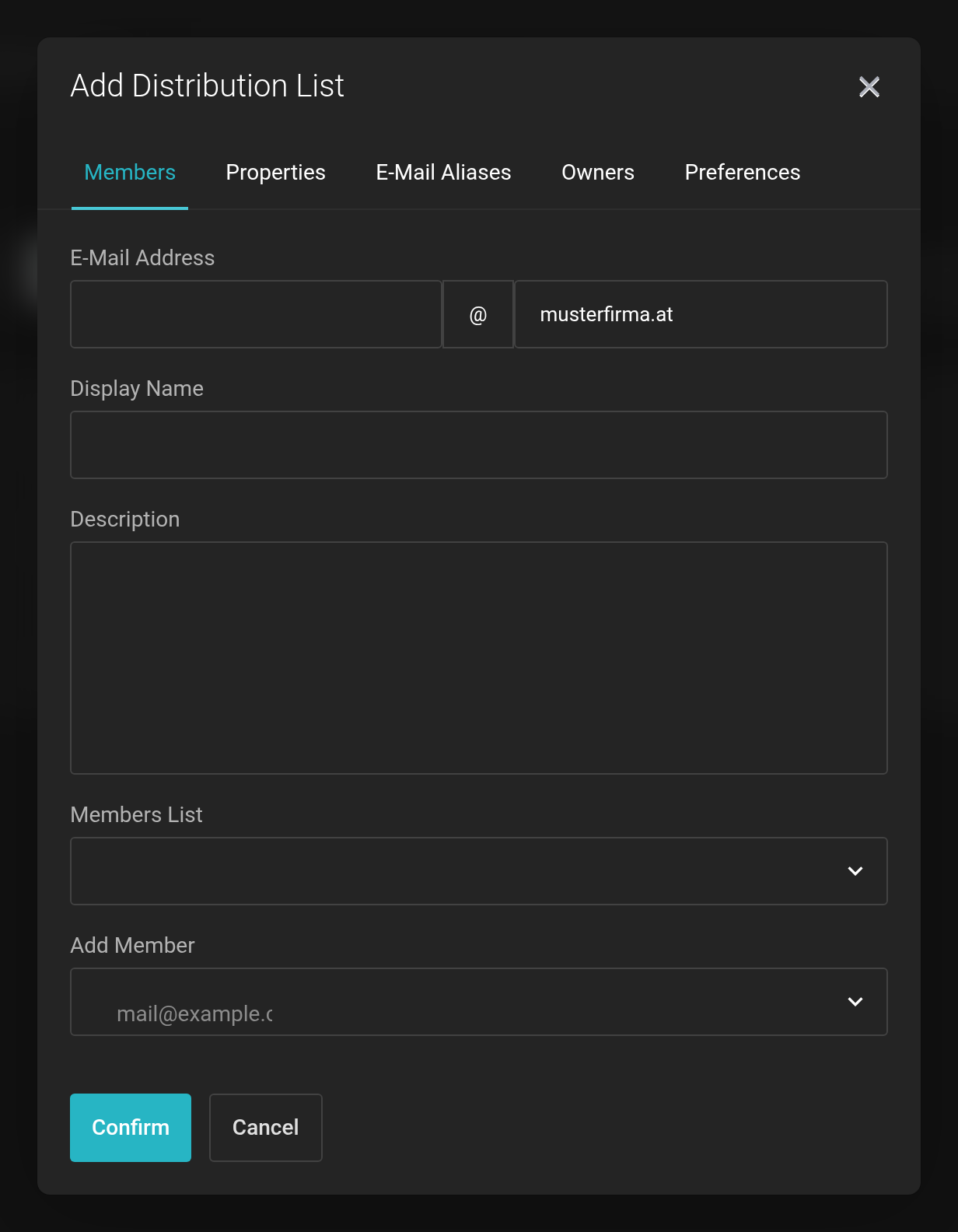 Assign the address, set the display name, choose the members.
For the list to accept messages, “Can Receive Mail” must be set in its settings. Without it, messages to the list address are rejected.
Domain Aliases
A domain alias routes a second domain to the same mailboxes — max@musterfirma.at can then also be reached at max@musterfirma.co.at. The second domain needs the DNS records as well.


