
Managed Zimbra Hosting is groupware for your own domain, with email, calendar, contacts, tasks and file storage. We run the servers, and an upstream spam and virus filter is included.
The plans
The four plans differ in their feature set and in the mailbox sizes:
| Feature | Starter | Professional | Business | Enterprise |
|---|---|---|---|---|
| Email, contacts and calendars | ✓ | ✓ | ✓ | ✓ |
| Groupware and sharing | – | ✓ | ✓ | ✓ |
| Briefcase (file storage) | – | ✓ | ✓ | ✓ |
| Attachment and advanced search | – | ✓ | ✓ | ✓ |
| Outlook integration | – | – | Windows | Windows and macOS |
| Mobile devices via ActiveSync | – | – | ✓ | ✓ |
| S/MIME | – | – | ✓ | ✓ |
| Two-factor authentication | – | – | ✓ | ✓ |
| Backup | – | – | ✓ | ✓ |
| Dumpster for deleted items | – | – | ✓ | ✓ |
| Mailbox sizes | 1, 5, 10 GiB | 5, 10, 15 GiB | 10, 20, 30, 50 GiB | 15, 30, 60, 75 GiB |
You set the size per mailbox, so one plan can combine small and large mailboxes. Without Outlook integration and without ActiveSync, webmail, IMAP and CalDAV/CardDAV remain usable.
The upstream spam and virus filter IKARUS mail.security is part of every plan. How to choose the plan, the mailboxes and the filter level is explained in Ordering Managed Zimbra Hosting.
Sections in the Client Area
Client Area → My Products & Services → your Managed Zimbra Hosting.
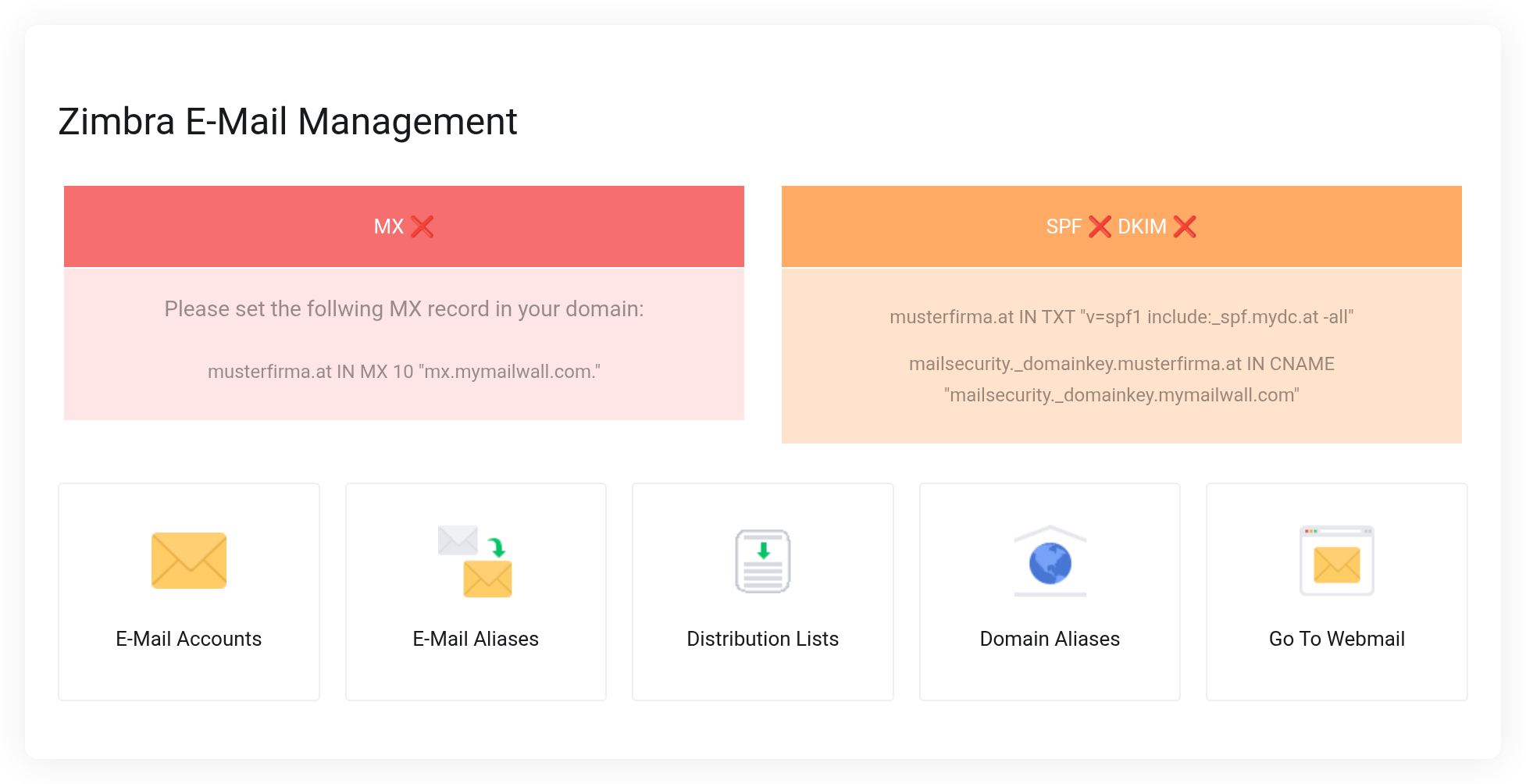
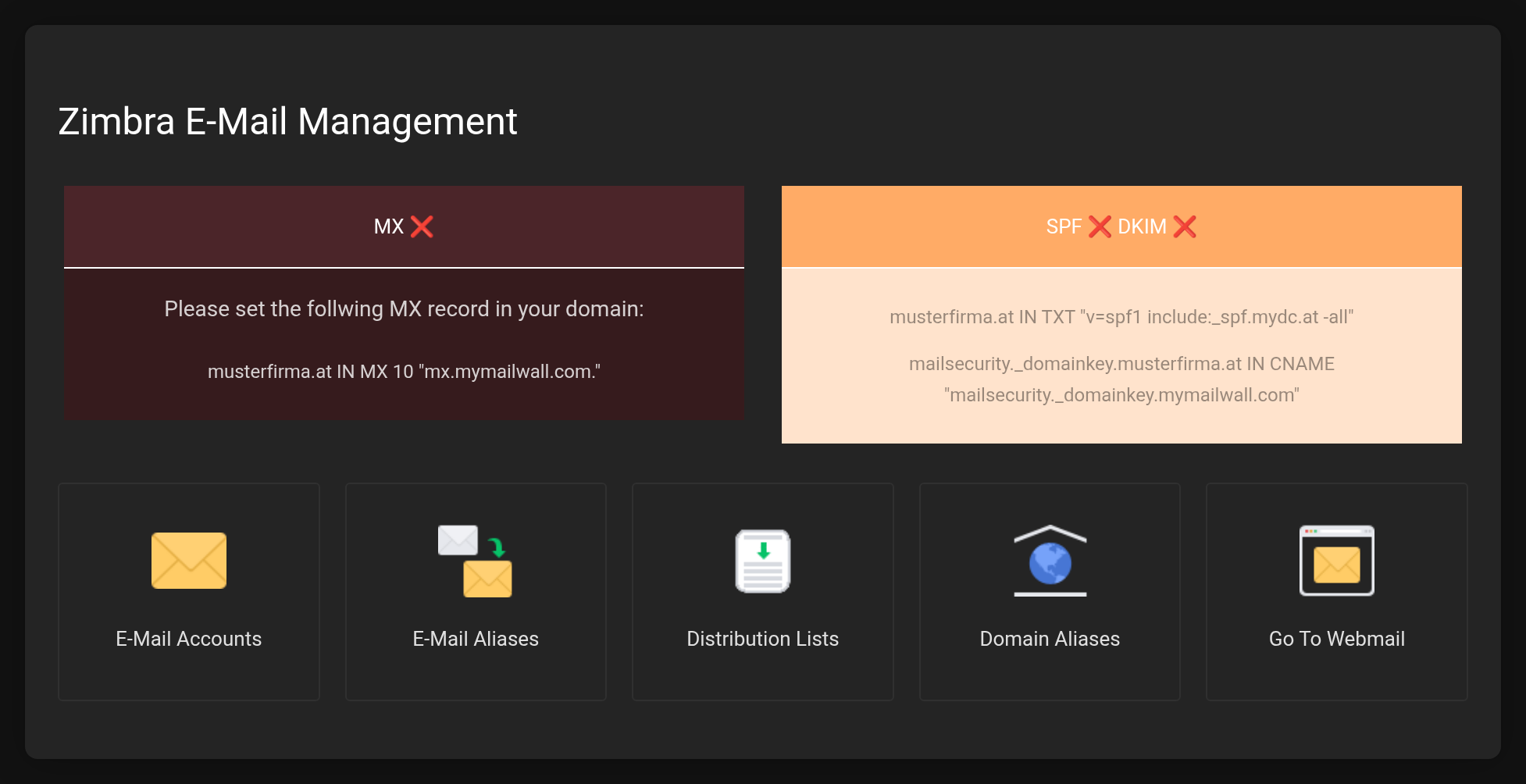 At the top the DNS status, below it the five sections of the management area.
- E-Mail Accounts
- Create mailboxes, set the size, set a password, lock or delete them.
- E-Mail Aliases
- Additional addresses for an existing mailbox.
- Distribution Lists
- One address that distributes to several recipients.
- Domain Aliases
- A second domain on the same mailboxes.
- Go To Webmail
- Opens the web interface in a new tab.
First steps
- Verify your domain and set the DNS records. Without MX, SPF and DKIM, mail traffic is not reliable.
- Create mailboxes.
- Use webmail or set up email programs.
Key facts
| What | Value |
|---|---|
| Webmail | https://zimbra.mydc.at/ |
| Server for all programs | zimbra.mydc.at |
| Username | full email address |
| Maximum message size | 150 MB |


