
Managed Zimbra Hosting is your groupware under your own domain: email, calendar, contacts, tasks and file storage — operated by us, with an upstream spam and virus filter.
The plans
The four plans differ in their feature set and in the mailbox sizes:
| Feature | Starter | Professional | Business | Enterprise |
|---|---|---|---|---|
| Email, contacts and calendars | ✓ | ✓ | ✓ | ✓ |
| Groupware and sharing | – | ✓ | ✓ | ✓ |
| Briefcase (file storage) | – | ✓ | ✓ | ✓ |
| Attachment and advanced search | – | ✓ | ✓ | ✓ |
| Outlook integration | – | – | Windows | Windows and macOS |
| Mobile devices via ActiveSync | – | – | ✓ | ✓ |
| S/MIME | – | – | ✓ | ✓ |
| Two-factor authentication | – | – | ✓ | ✓ |
| Backup | – | – | ✓ | ✓ |
| Dumpster for deleted items | – | – | ✓ | ✓ |
| Mailbox sizes | 1, 5, 10 GB | 5, 10, 15 GB | 10, 20, 30, 50 GB | 15, 30, 60, 75 GB |
You set the size per mailbox — one plan can mix small and large mailboxes. Without Outlook integration and without ActiveSync, webmail, IMAP and CalDAV/CardDAV remain usable.
The upstream spam and virus filter is part of every plan.
Where you manage everything
Client Area → My Products & Services → your Managed Zimbra Hosting.
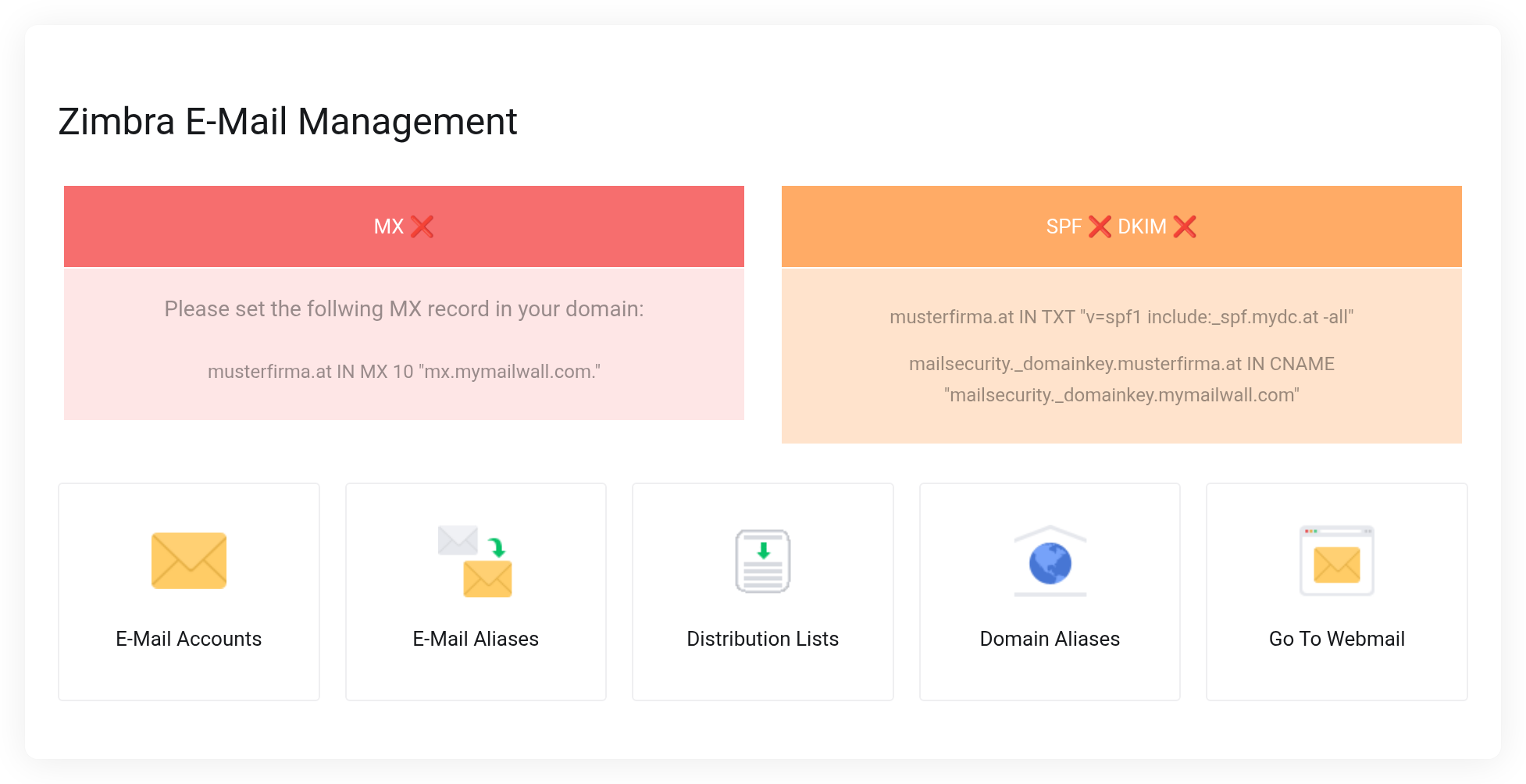
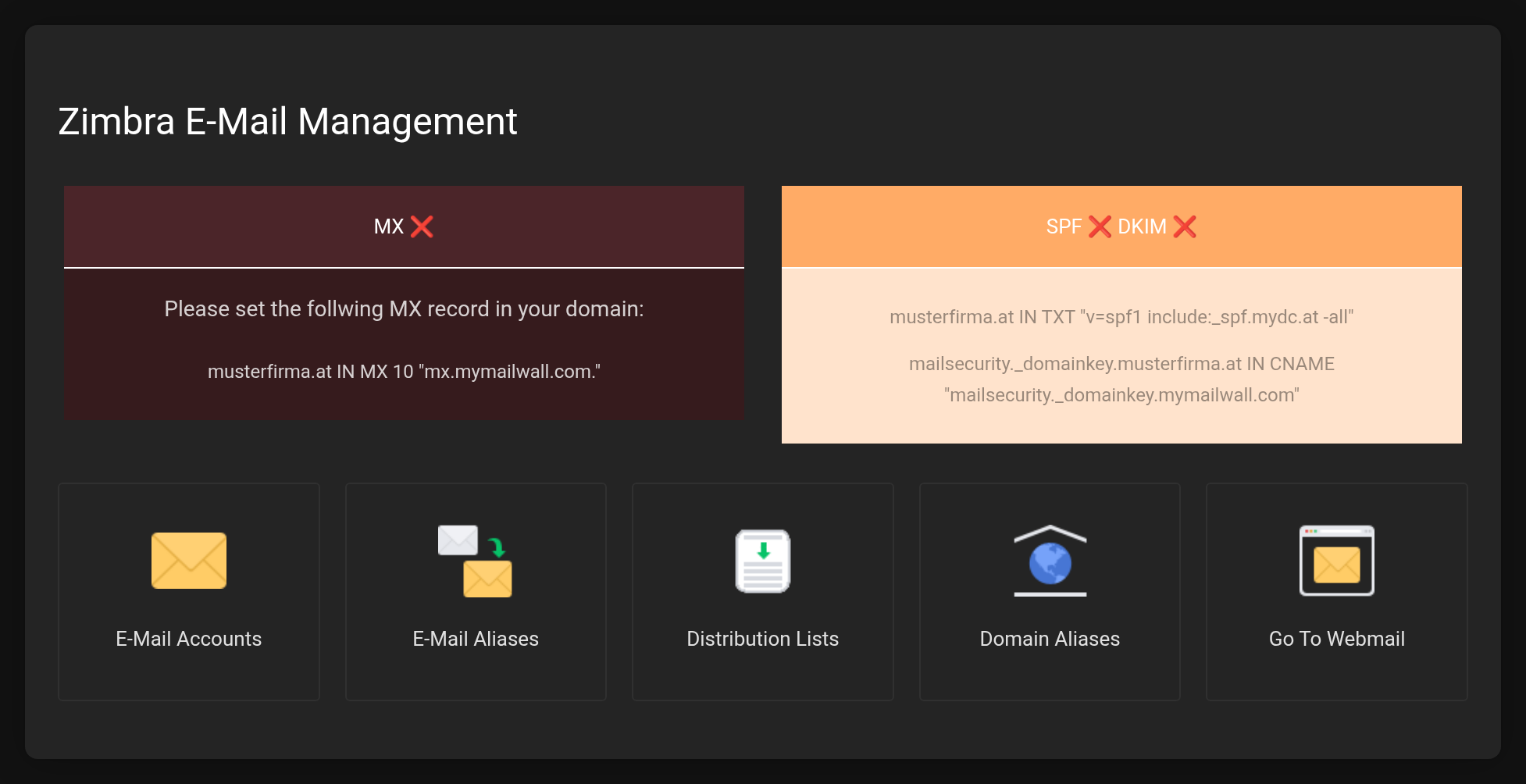 At the top the DNS status, below it the five sections of the management area.
- E-Mail Accounts
- Create mailboxes, set the size, set a password, lock or delete them.
- E-Mail Aliases
- Additional addresses for an existing mailbox.
- Distribution Lists
- One address that distributes to several recipients.
- Domain Aliases
- A second domain on the same mailboxes.
- Go To Webmail
- Opens the web interface in a new tab.
How to get up and running
- Verify your domain and set the DNS records — without MX, SPF and DKIM, mail traffic will not be reliable.
- Create mailboxes.
- Use webmail or set up email programs.
Key facts
| What | Value |
|---|---|
| Webmail | https://zimbra.mydc.at/ |
| Server for all programs | zimbra.mydc.at |
| Username | full email address |
| Maximum message size | 150 MB |


