
You order Managed Backup Storage in the Store under Managed Backup Storage → Cloud Backup. In the order form you choose the size of your storage and decide whether to add ransomware protection.
Requirement
Managed Backup Storage can only be booked together with the Platform Vienna product. Either you already have Platform Vienna in your client account, or you order it in the same cart. If neither is the case, the checkout shows this message:
"Cloud Backup can only be booked together with Platform Vienna: please add Platform Vienna to your order, or log in with the account that holds your Platform Vienna service."
In that case, log in with the right client account or add Platform Vienna to the cart.
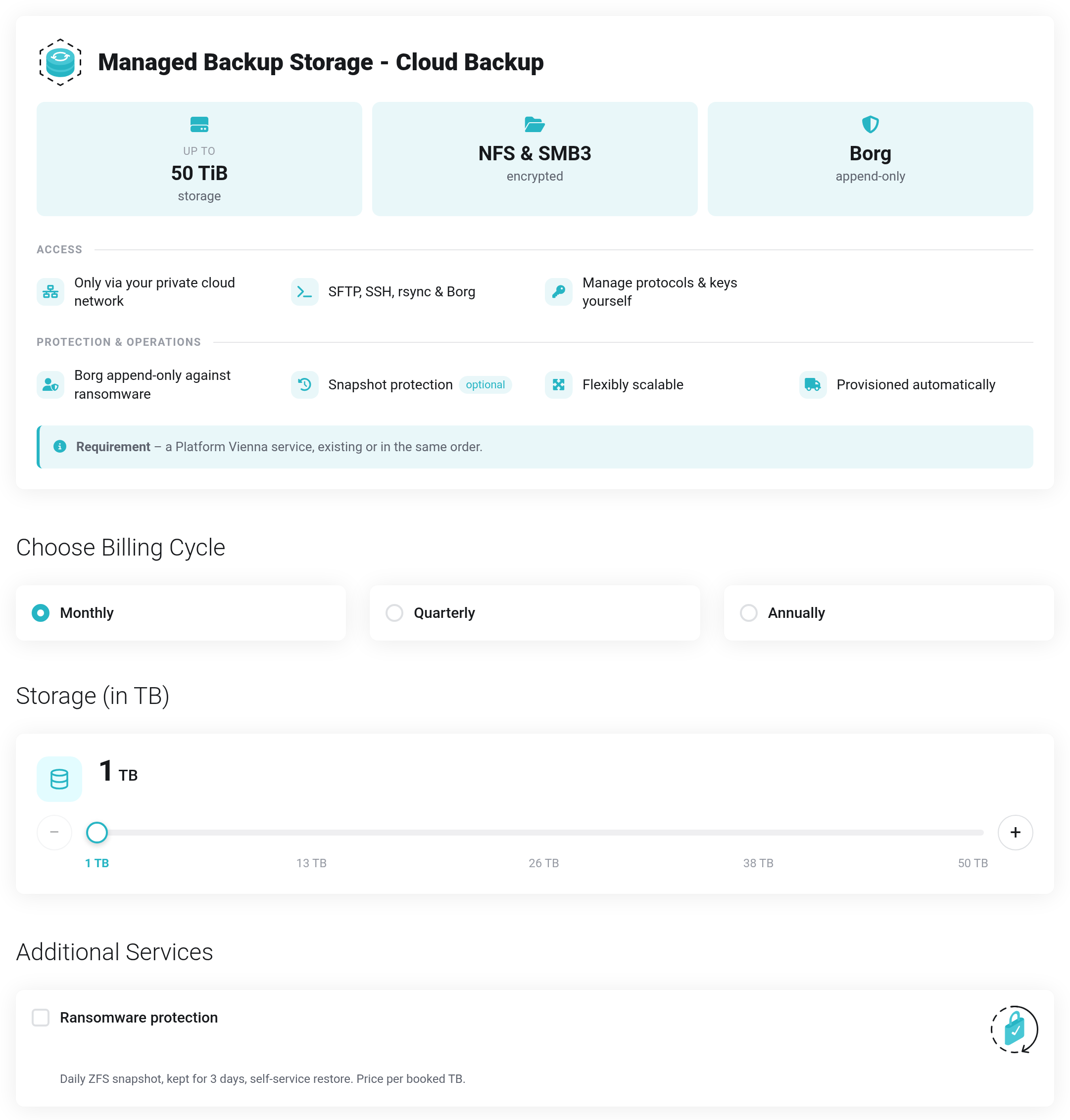
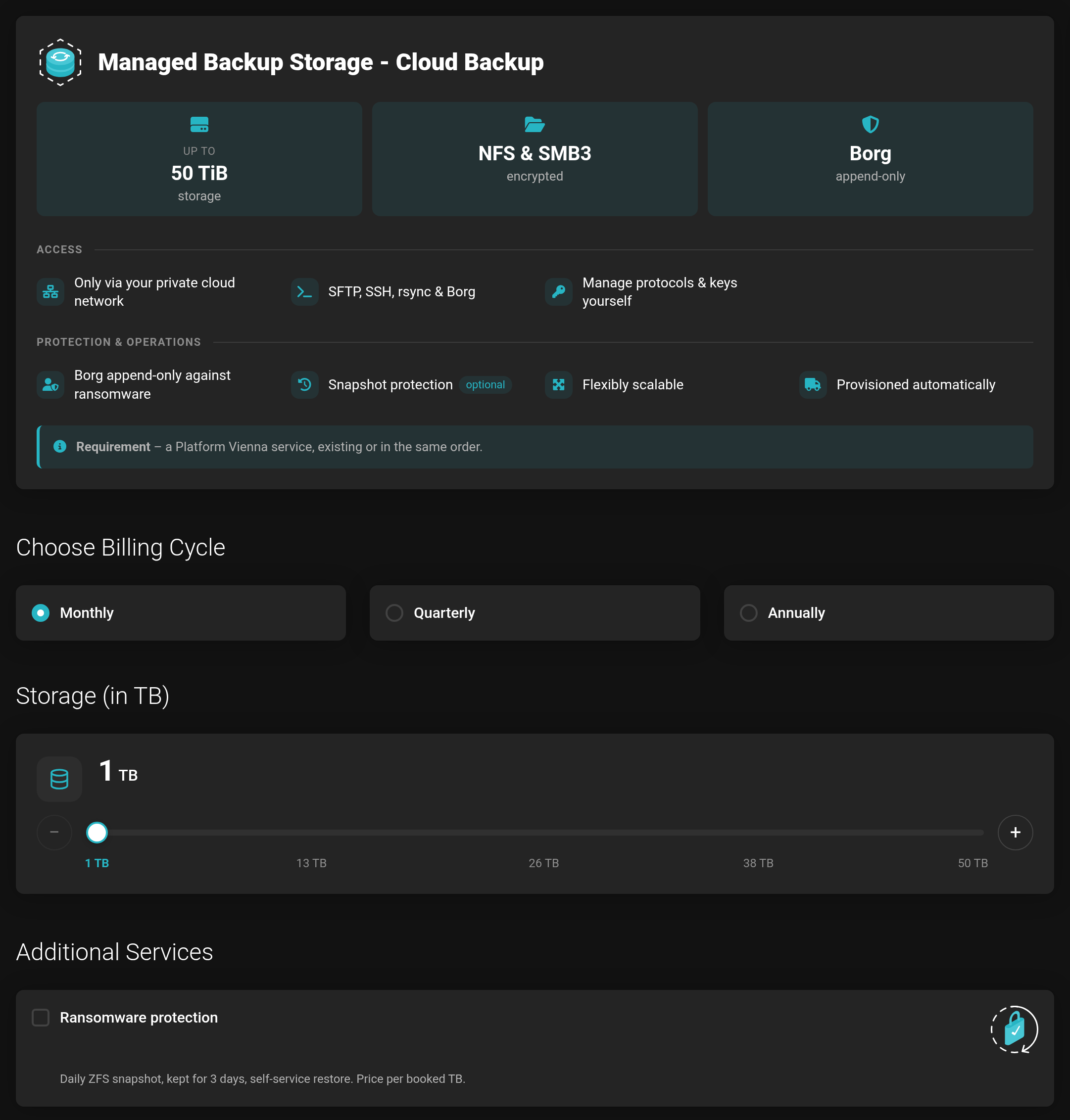 The order form. Prices are hidden in this picture.
How to order
- Choose the billing cycle: monthly, quarterly or annually.
- Under Storage (in TB), use the slider to set the size — 1 to 50 TB in steps of 1 TB. − and + change the value by 1 TB each.
- Under Additional Services, tick Ransomware protection if you want daily snapshots (see below).
- Click Continue and complete the order in the cart.
After the order, the storage is set up automatically. Then you connect it to your private network — see Overview and first steps.
Ransomware protection
Ransomware protection is an add-on that you book separately. It is billed per booked TB — if you enlarge your storage later, it grows with it. With ransomware protection, an immutable snapshot of your storage is created every day and kept for 3 days. You can recover deleted files, or files encrypted by malware, from it yourself. Details: Ransomware protection and snapshots.
Without ransomware protection there are no snapshots. Anything that was deleted or encrypted cannot be restored then — not even by us.


