
You order Managed Zimbra Hosting in the Store under Managed Zimbra Hosting. You choose a plan, decide how many mailboxes of which size you need, and choose the level of the spam and virus filter. This article takes you through the order form.
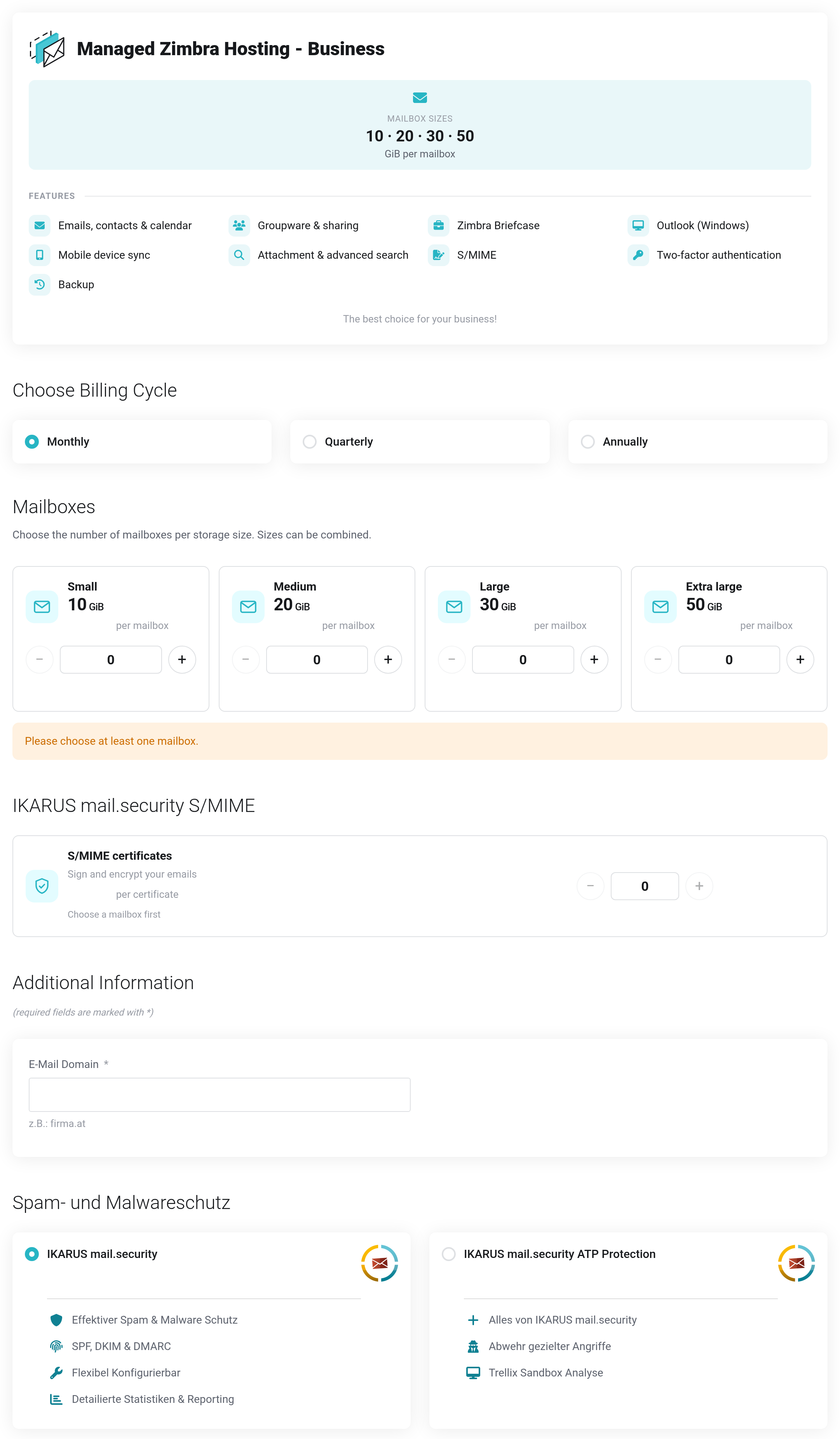
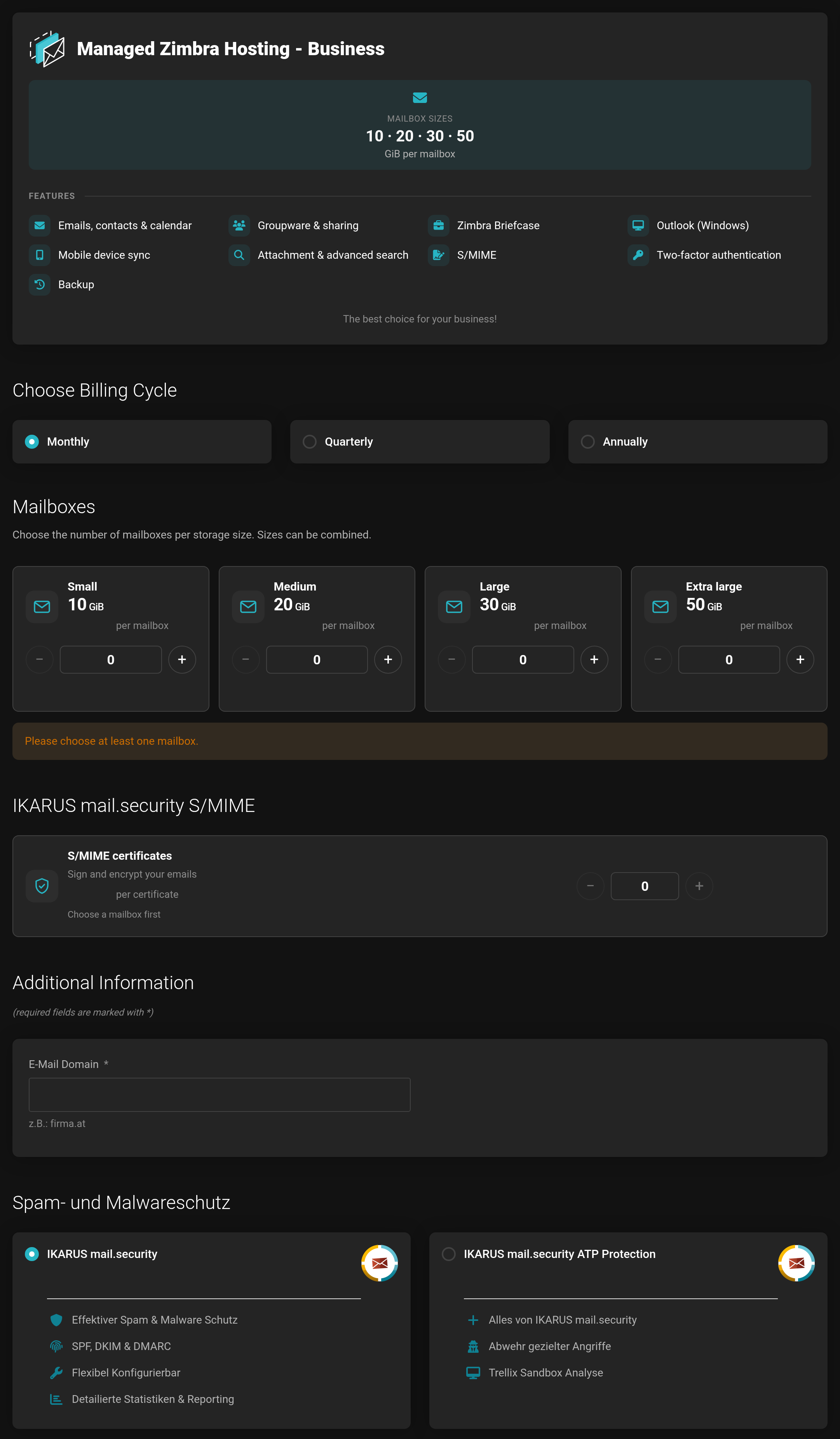 The order form, using the Business plan as an example. Prices are hidden in this picture.
How to order
- Choose the plan: Starter, Professional, Business or Enterprise. The overview explains how the plans differ.
- Under Choose Billing Cycle, select monthly, quarterly or annually.
- Under Mailboxes, set how many mailboxes of each size you need (see below).
- Add S/MIME certificates if needed.
- Under Additional Information, enter your E-Mail Domain, for example
musterfirma.at— withoutwwwand without@. - Choose the filter level in the spam and malware protection section (heading Spam- und Malwareschutz).
- Click Continue and complete the order in the cart.
Choosing mailboxes
Each plan offers several mailbox sizes, such as Small, Medium, Large and Extra large. With + and −, or directly in the number field, you set how many mailboxes of each size you want. Sizes can be combined — for example three small mailboxes for the team and one large one for accounting.
You need at least one mailbox. As long as none is selected, the form shows Please choose at least one mailbox.
You can add or cancel mailboxes later: Actions → Upgrade/Downgrade Options.
S/MIME certificates
With an S/MIME certificate from IKARUS mail.security S/MIME, the emails of a mailbox are digitally signed and encrypted. The certificates are optional.
- You can book at most as many certificates as you have chosen mailboxes — one per mailbox.
- If you have not chosen a mailbox yet, it says Choose a mailbox first, and the counter stays locked.
- A certificate does not count as a mailbox of its own.
Spam and malware protection
Every Managed Zimbra Hosting runs with the upstream filter IKARUS mail.security. It is required: you only choose the level, and one of them is always selected.
- IKARUS mail.security
- Protection against spam and malware, checks of SPF, DKIM and DMARC, statistics and reports.
- IKARUS mail.security ATP Protection
- Everything from IKARUS mail.security plus a sandbox: suspicious attachments are run and observed before delivery. This also fends off targeted attacks.
Both levels are billed per mailbox. More on this: IKARUS mail.security.
After the order
- We set up your domain. We assign it to the IKARUS mail.security filter by hand and get in touch with you.
- Verify your domain and set the DNS records MX, SPF and DKIM.
- Create your mailboxes.


