
The Retention-Settings page controls which backups are kept, and it shows the status of Garbage Collection. You will find it under Management → Retention-Settings.
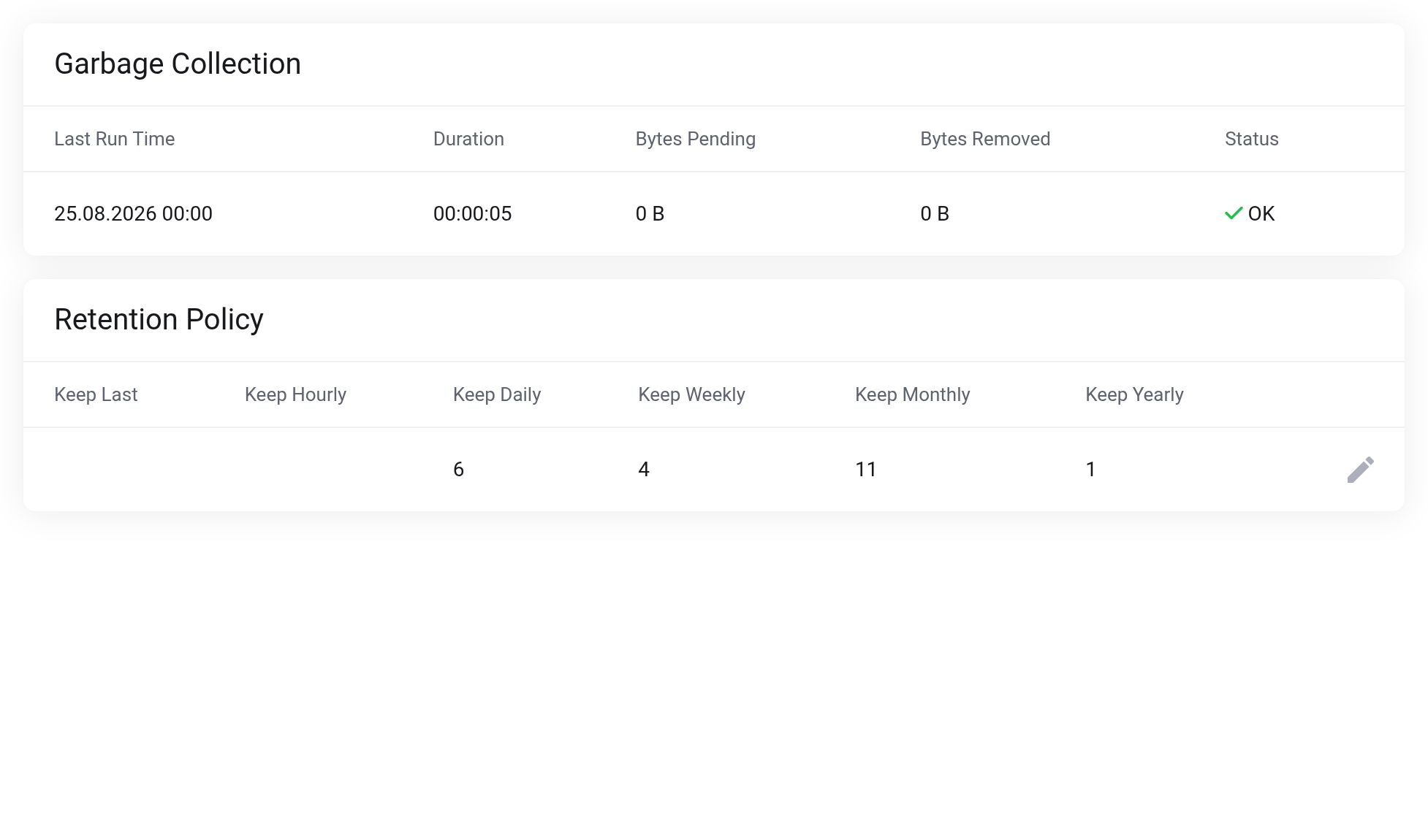
 Garbage Collection at the top, the Retention Policy below it.
Two steps that work together
- Retention (prune) removes snapshots that should no longer be kept. Runs hourly.
- Garbage Collection then frees the chunks. Only then does the usage go down. Runs daily.
Both schedules are fixed. The upper table shows the time, the duration and the result of the last Garbage Collection run.
Adjusting the Retention Policy
Use the pencil icon at the end of the row to open the Edit retention policy dialog.
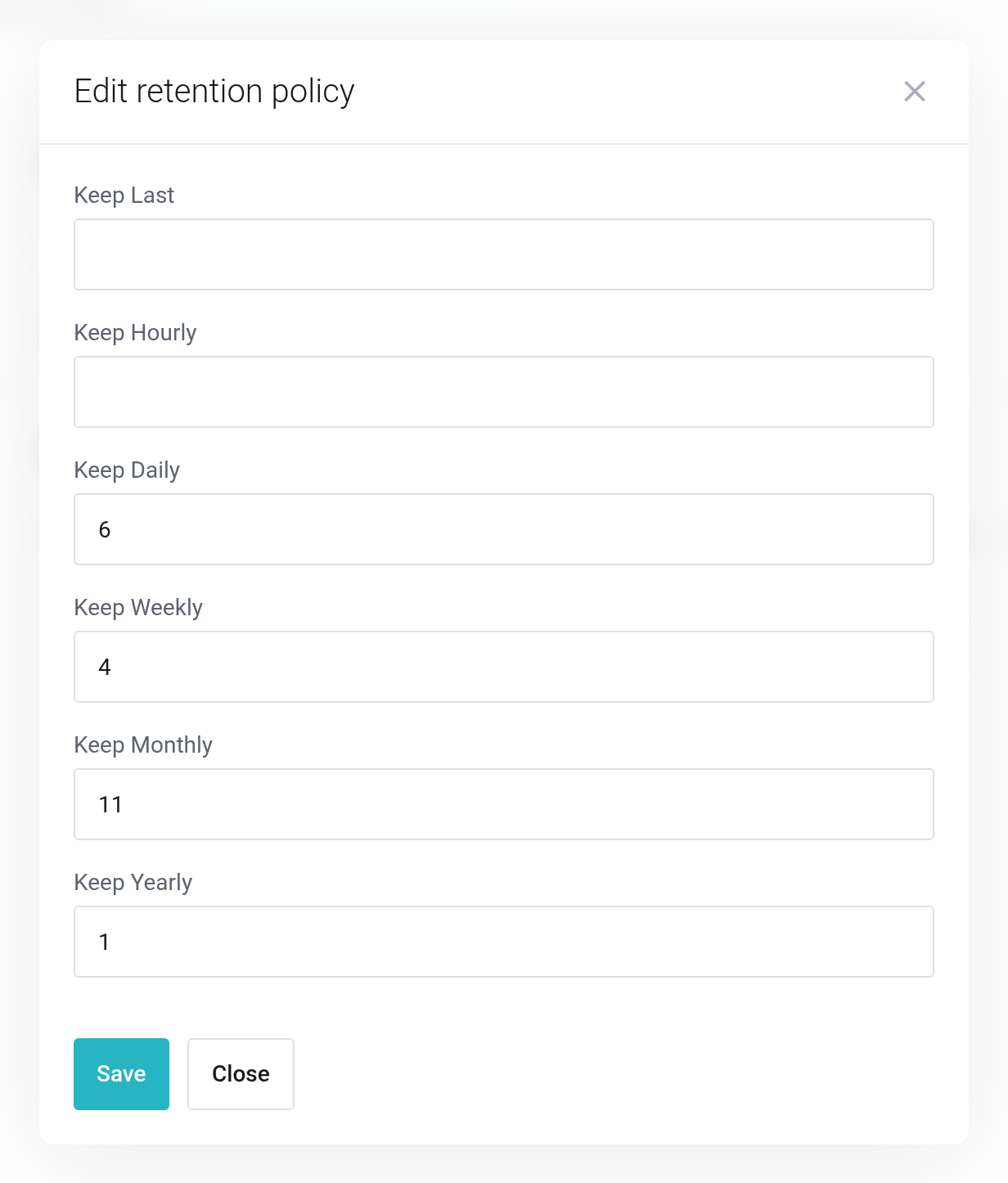
 The six keep values.
Each value answers the question: “How many backups of this level are kept?” — Keep Last counts the most recent backups, Keep Hourly through Keep Yearly each count the most recent backup of the respective period. The levels complement each other: a snapshot is kept as soon as at least one level keeps it.
New services start with 6 daily, 4 weekly and 11 monthly backups, plus 1 yearly backup.
A 0 does not mean “keep none”; it removes the rule — exactly like an empty field. A 0 in Keep Weekly therefore switches this level off instead of setting it to zero.
There is no check whether any rule is still active in the end. Without an active level, nothing is cleaned up anymore and your storage fills up. Leave at least one level set.
Backups that you have marked under Content as Protected are skipped by retention. They take up space permanently.


