
Private Cloud Computing – Server is a single virtual server with a fixed set of resources. Unlike the Platform, you do not create further VMs here — you manage exactly this one machine.
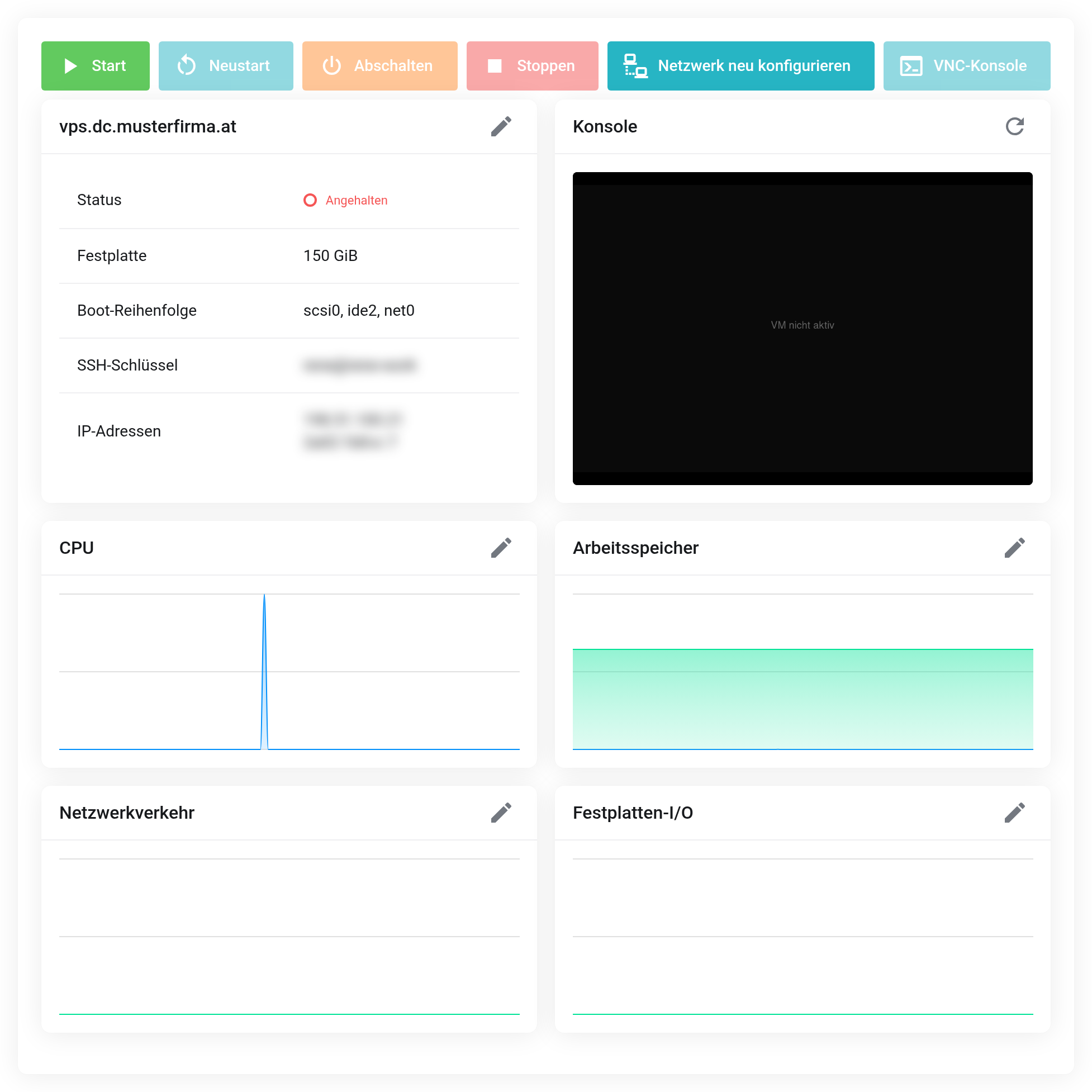
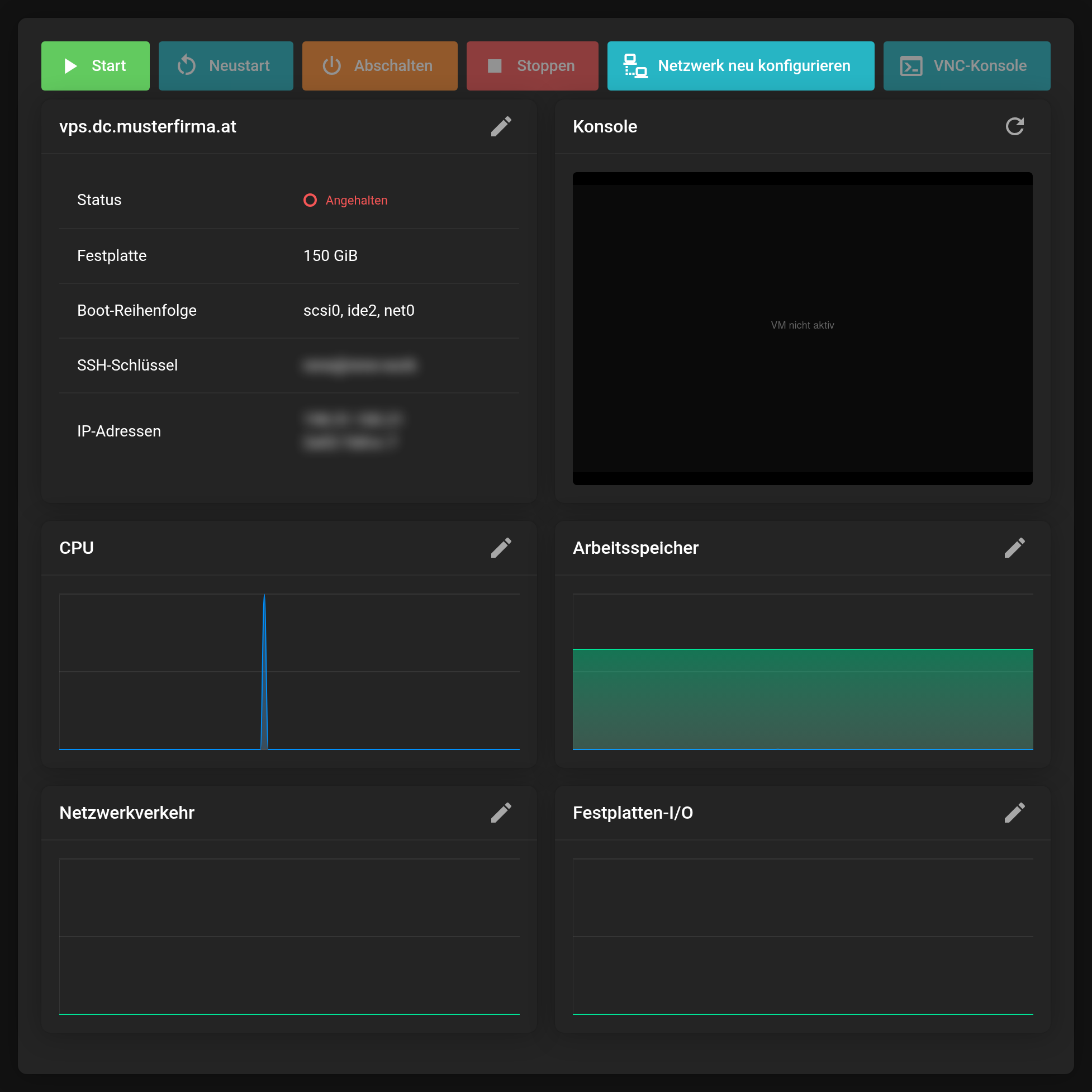 Overview with key figures, IP addresses and console preview.
Access
Access runs through the SSH key you provided when ordering — no passwords are issued. The IP addresses are shown in the overview; the server receives IPv4 and IPv6.
ssh root@<IP address>Controls
At the top you find Start, Reboot, Shut Down, Stop, Reconfigure Network and the VNC Console.
Shut Down brings the system down in an orderly way, Stop cuts the power immediately — only use it when the server no longer responds.
Always shut down through the Client Area
Your server runs under high availability: if the physical server it runs on fails, the platform automatically starts it again on another one.
So never shut the server down from inside the operating system — that means not with shutdown or poweroff and not through Start → Shut down in Windows. High availability treats that as a failure and starts the server again a short time later. With Shut Down in the Client Area it stays off until you switch it on again with Start. A Reboot from inside the system is not affected by this.
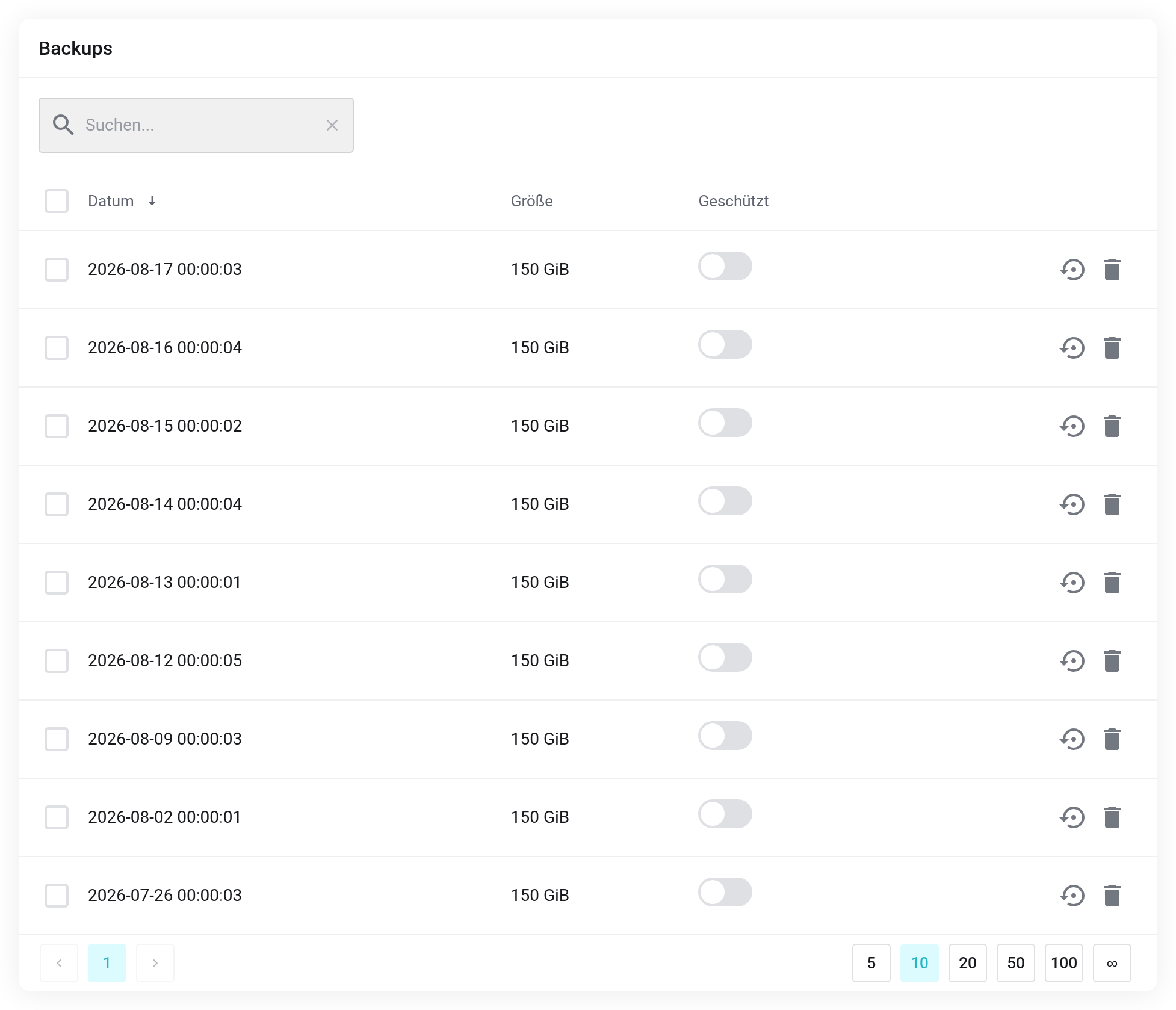
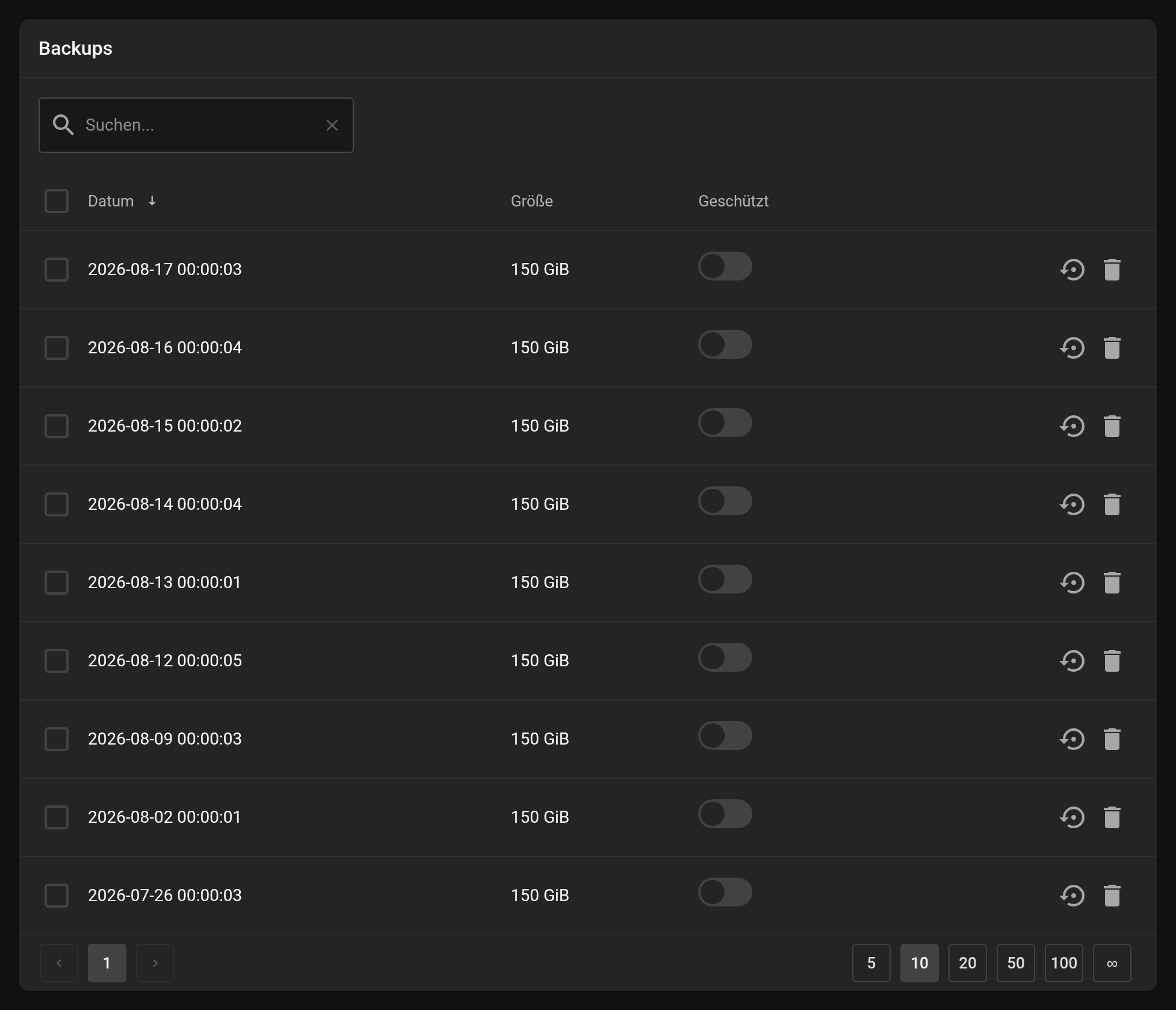 Existing backups of the server.
The sections in the left-hand column
- Backups and Backup Jobs
- Existing backups and scheduled jobs — see Backups and snapshots.
- Snapshots
- Snapshots for going back quickly.
- Firewall and Firewall Options
- Rules in front of the server — see Setting up the firewall.
- VNC Console
- Screen access, even without a network.
- Reinstallation
- Sets the server up from scratch.
Reinstallation destroys all data on the server. Back up whatever you want to keep beforehand.


