
DNSSEC adds a digital signature to the DNS answers of your domain. Resolvers that validate DNSSEC can then detect forged answers. You enable it with a switch — for domains registered with us as well as for zones in the Managed DNS product.
Requirements
- The zone is on our name servers: as DNS management on a domain registered with us or as a Managed DNS service.
- The domain points exclusively to
ns01.mydatacenter.atandns02.mydatacenter.at. - The extension of your domain supports DNSSEC. Most do, but not all.
Where the switch is
In the Zone card, row DNSSEC. For a domain you find it under Overview, for the Managed DNS service under Information. Next to it you see the state: not enabled, enabled or being disabled.
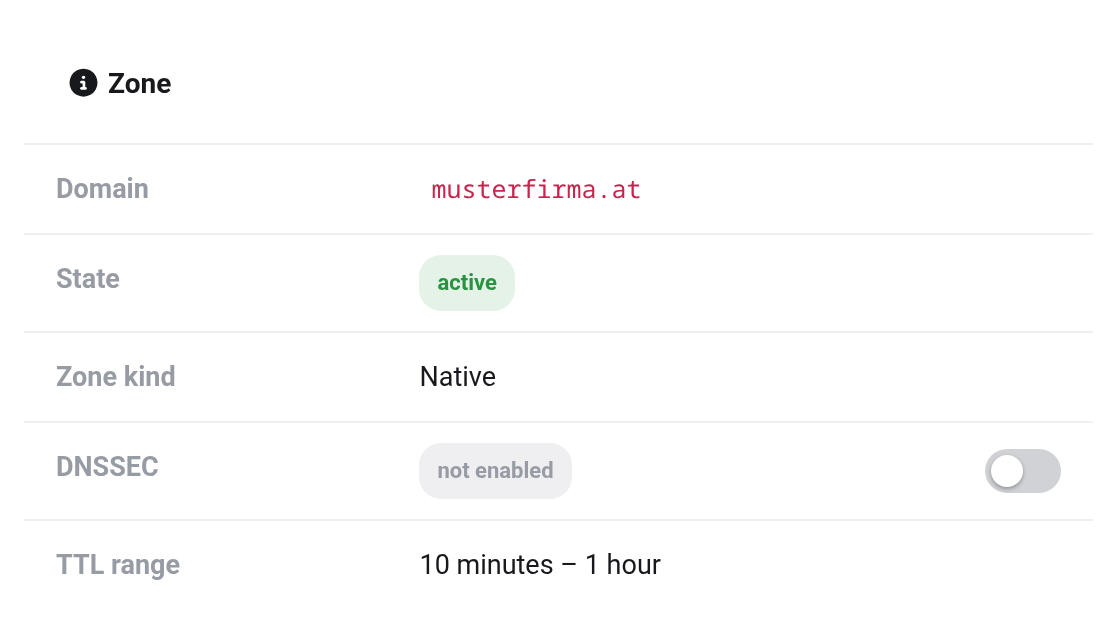
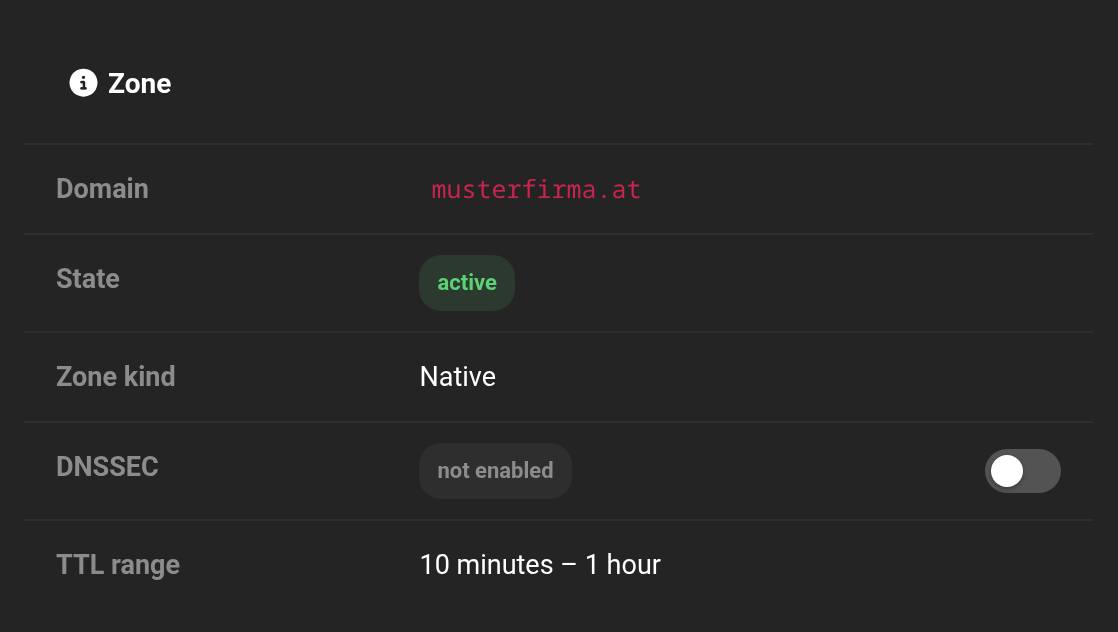 The switch sits right next to the state.
Enabling DNSSEC
- Click the switch in the DNSSEC row.
- Read the notice in the Enable DNSSEC window. It tells you whether we submit the key to the registry ourselves or whether you do.
- Click Enable DNSSEC.
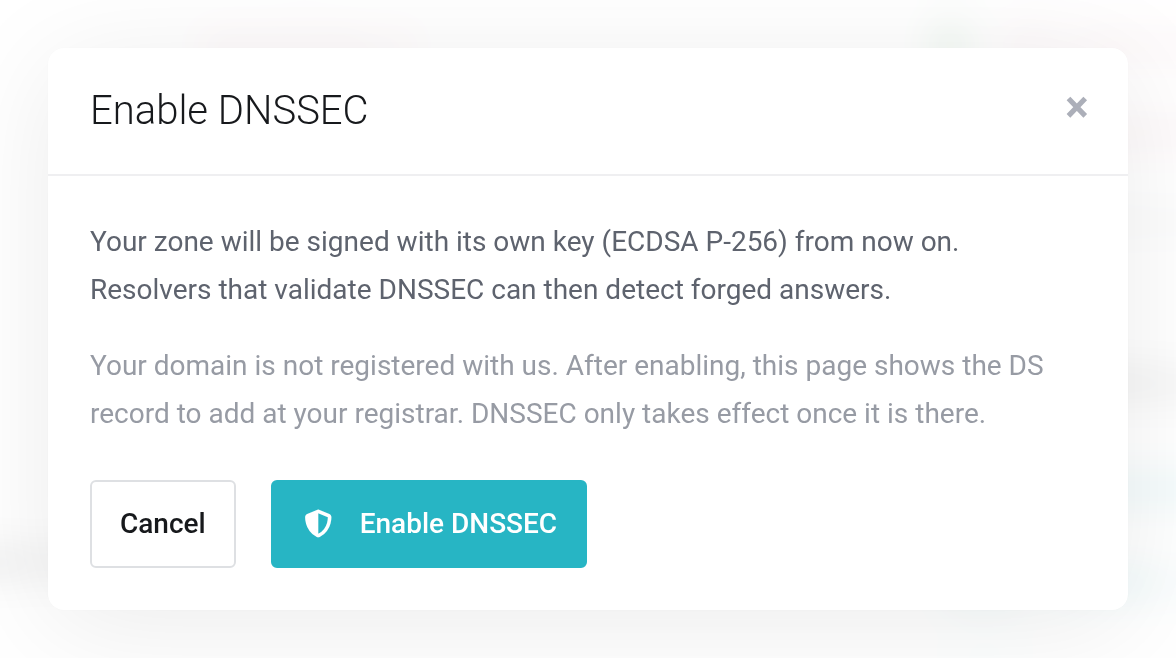
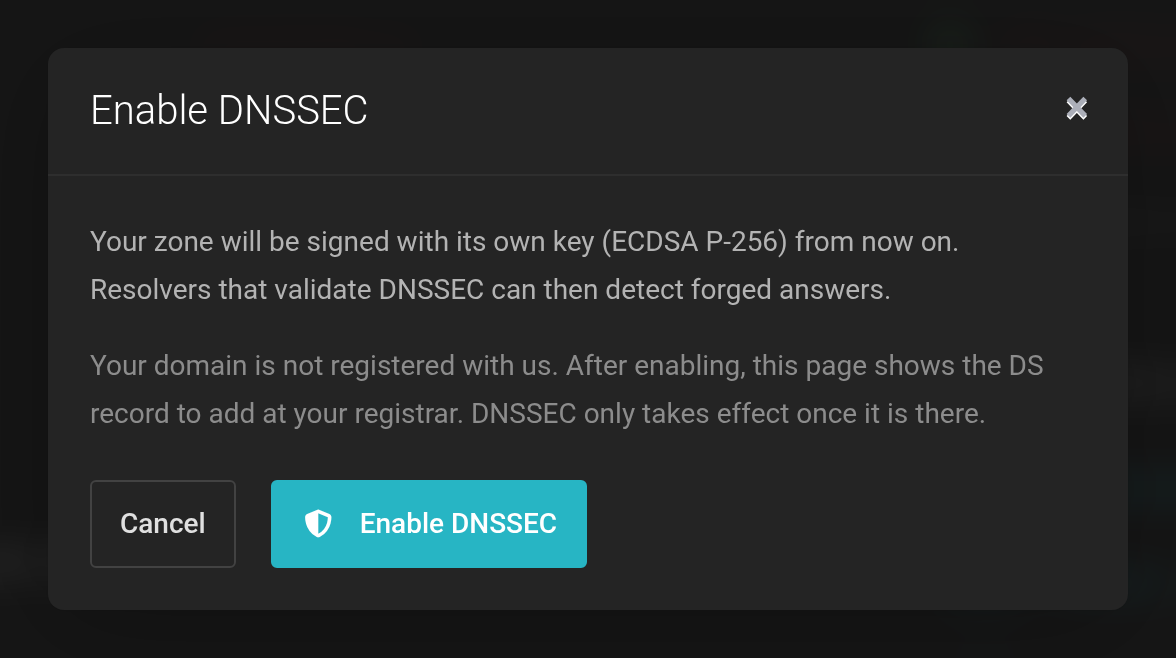 Here the domain is with another registrar — the notice mentions the DS record.
Afterwards, a separate DNSSEC card appears below the Zone card with Algorithm, Key tag, the DS records and the DNSKEY.
What happens next
For DNSSEC to take effect, the registry of your extension has to know the key. Who submits it there depends on where the domain is registered.
- The domain is registered with us
- We submit the key to the registry automatically. The DNSSEC card then shows The key was submitted to the registry on …. It can take a few hours until the registry publishes it. You do not have to do anything else.
- The domain is with another registrar (Managed DNS only)
- Copy one of the DS records from the DNSSEC card and add it at your registrar. Some registrars ask for the DNSKEY instead. DNSSEC only takes effect once the record is there.
In both cases your domain stays reachable the whole time. A signed zone without a record at the registry is harmless.
Disabling DNSSEC
Click the switch again. The Disable DNSSEC window explains the steps; confirm with Disable DNSSEC.
- The domain is registered with us
- We first remove the key at the registry.
- The domain is with another registrar
- First remove the DS record at your registrar. Confirm this in the window by ticking The DS record has been removed at my registrar.
The signature then stays in place for two more days, until cached records have expired everywhere. During that time the row shows being disabled and the date the signature ends. Until then, you can switch DNSSEC back on with the switch.
If you switch a domain registered with us to other name servers in the Client Area, we remove the key at the registry automatically in the same step.
If something doesn't work
- “Submitting the key to the registry failed. The zone is signed; your domain is not affected.”
- The registry did not accept the key — for example because the extension does not support DNSSEC or the domain does not point only to our name servers. Check the name servers and click Submit again. If it still does not work, get in touch with us.
- “The key has not been submitted to the registry yet.”
- Enabling was interrupted. Click Submit again.
- “DNSSEC cannot be enabled yet: the sub-zones … are hosted on our name servers …”
- There are separate zones for subdomains of your domain that are not entered in this zone. We need to sort this out first — please get in touch with us.
- “The key could not be removed at the registry, so DNSSEC stays enabled.”
- To protect your domain, we only turn DNSSEC off once the key is gone from the registry. Try again later.
- The switch is missing
- DNSSEC cannot be switched for a suspended service. If the row shows unavailable, the state could not be retrieved just now; reload the page later.


