
The Managed Proxmox Backup Server is your own backup storage, operated by us, based on Proxmox Backup Server (PBS). You get an isolated datastore with its own access user — without having to maintain hardware or updates yourself.
The three ways into your datastore
| Your data is stored … | Way |
|---|---|
| in a Cloud or Server product with us | Create a backup job and select your datastore as the Backup Target |
| on your own Proxmox VE | Add our datastore as a storage of type “Proxmox Backup Server” |
| on your own Proxmox Backup Server | Set up a sync job (pull or push) |
You can combine these ways.
Where you manage the service
Client Area → My Products & Services → your Managed Proxmox Backup Server. The overview shows Usage, Backup Count and the Deduplication Factor; all functions are on the left, under Management.
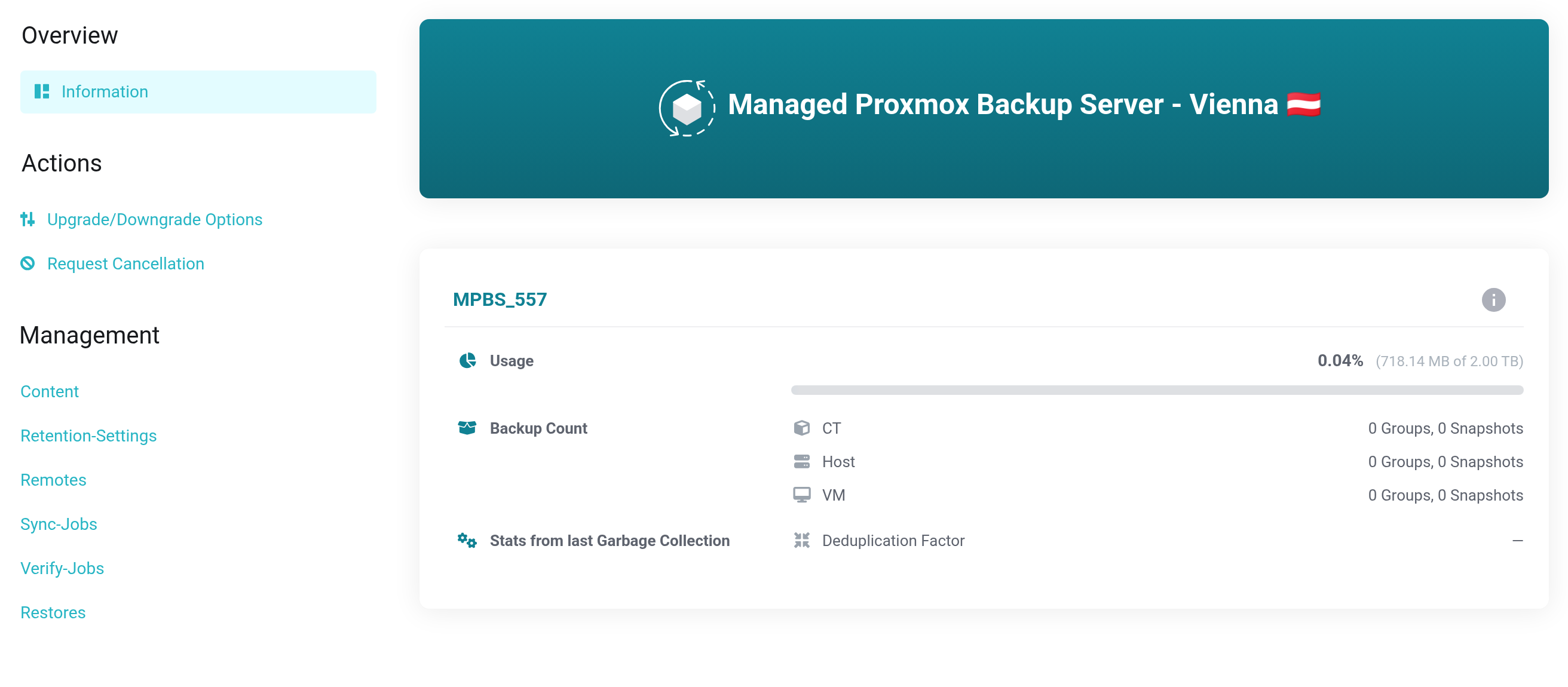
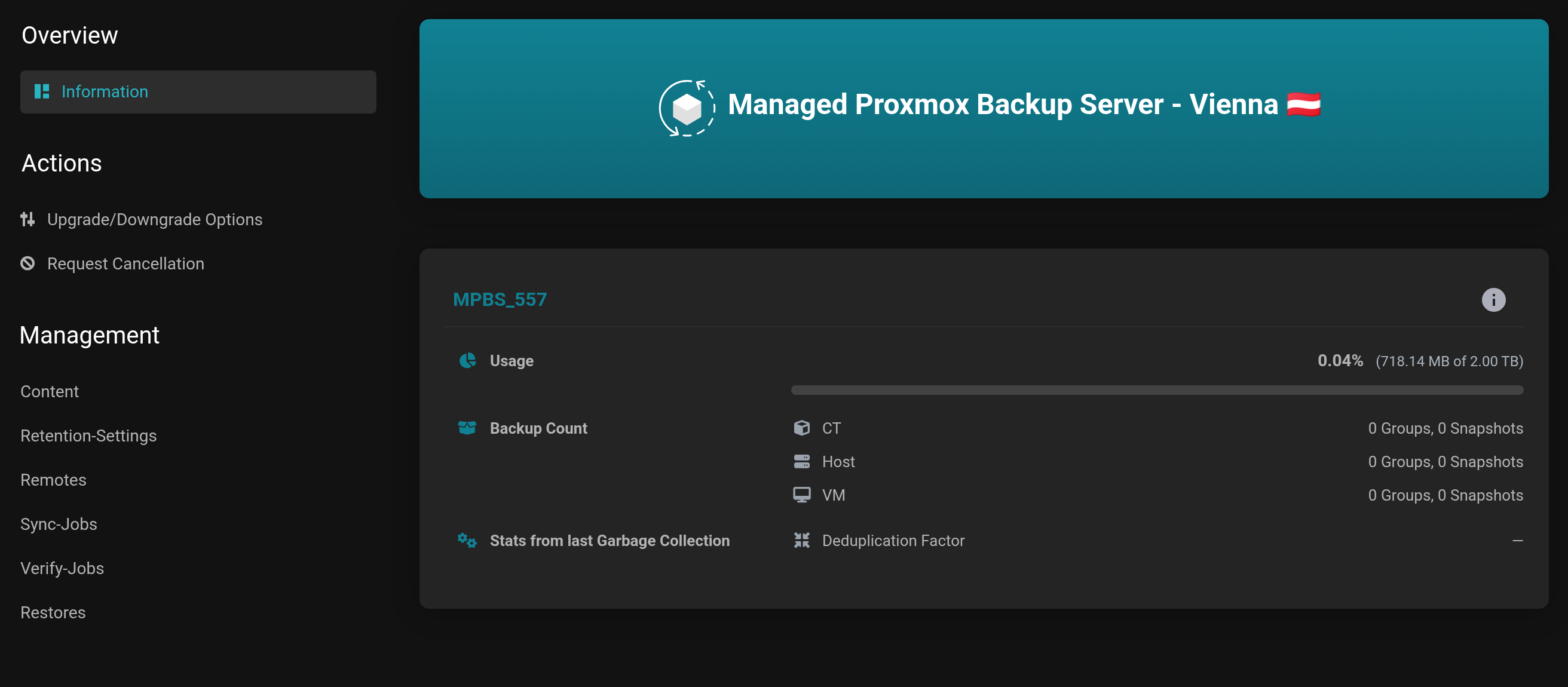 The overview and the Management navigation.
- Content
- View, protect, delete and restore backups.
- Retention-Settings
- How long which backups are kept, plus Garbage Collection.
- Remotes and Sync-Jobs
- Pairing with a second Proxmox Backup Server.
- Verify-Jobs
- Regular integrity checks.
- Restores
- History of the restores into your Cloud and Server products. Appears only with an active Cloud or Server product.
Requirements
- For a system of your own: a static public IP address that you provide when ordering, and outbound TCP port 8007.
- For backups from our cloud, neither is needed.


