
The Managed Proxmox Backup Server is your own backup storage, operated by us, based on Proxmox Backup Server (PBS). You get an isolated datastore with its own access user. We take care of hardware and updates.
How your backups get into the datastore
| Your data is stored … | Way |
|---|---|
| in a Cloud or Server product with us | Create a backup job and select your datastore as the Backup Target |
| on your own Proxmox VE | Add our datastore as a storage of type “Proxmox Backup Server” |
| on your own Proxmox Backup Server | Set up a sync job (pull or push) |
You can combine these ways.
Managing the service in the Client Area
Client Area → My Products & Services → your Managed Proxmox Backup Server. The overview shows Usage, Backup Count and the Deduplication Factor; all functions are on the left, under Management.
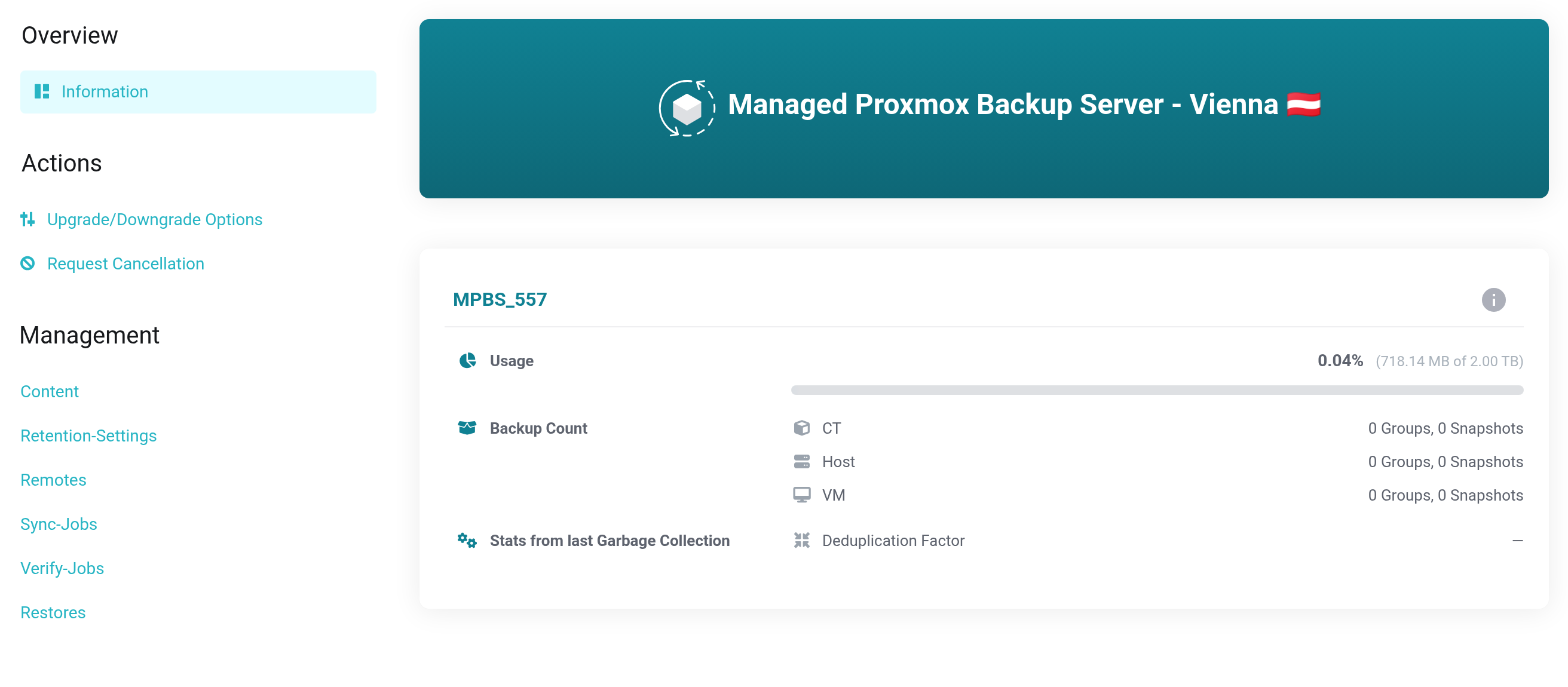
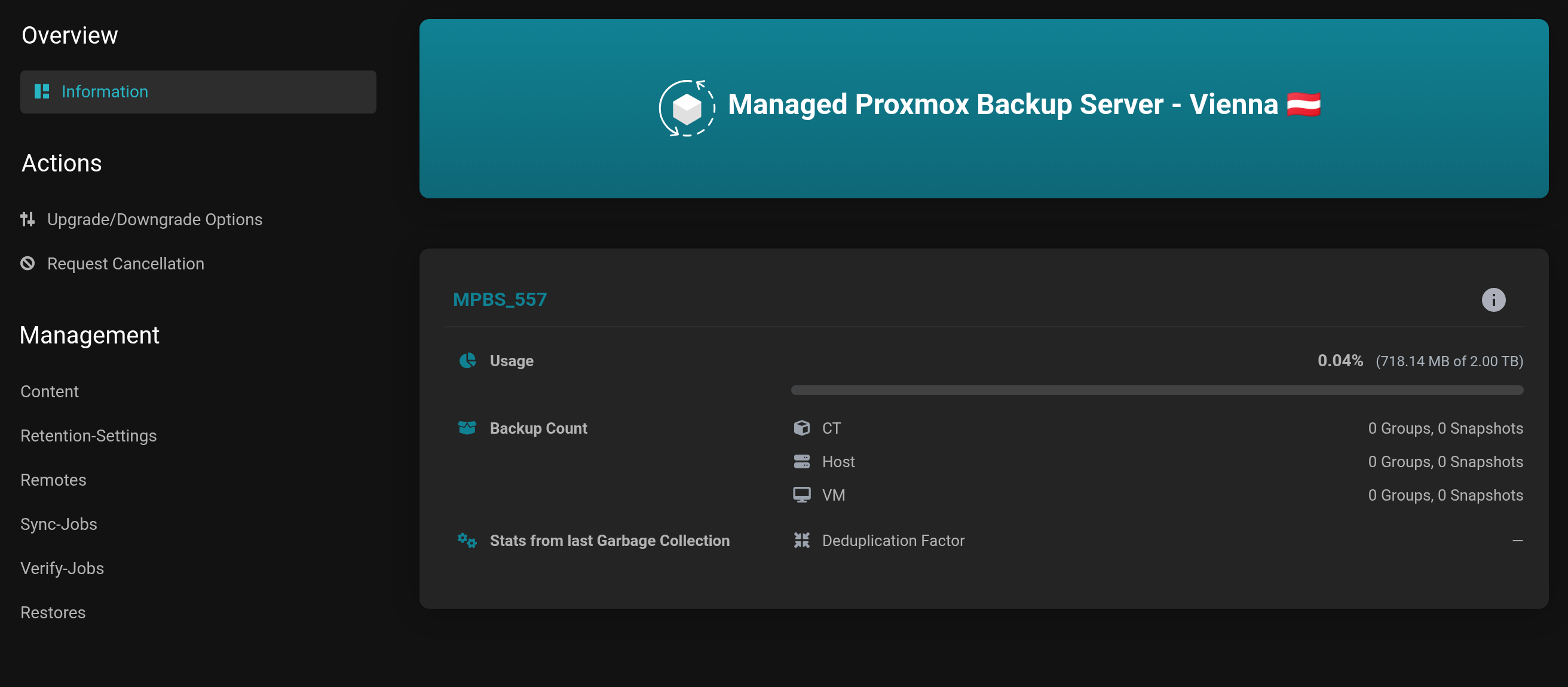 The overview and the Management navigation.
- Content
- View, protect, delete and restore backups.
- Retention-Settings
- How long which backups are kept, plus Garbage Collection.
- Remotes and Sync-Jobs
- Pairing with a second Proxmox Backup Server.
- Verify-Jobs
- Regular integrity checks.
- Restores
- Scheduled restores into an existing machine and the history of all restores into your Cloud and Server products. Appears only with an active Cloud or Server product.
- Notifications
- Emails about failed jobs, low storage or strong growth.
Requirements
- For a system of your own: a static public IP address that you provide when ordering, and outbound TCP port 8007.
- For backups from our cloud, neither is needed.


