
You order a new domain directly in the Client Area. This article shows how to find a free domain, set it up in the shopping cart and what to check before you order.
Requirements
- A customer account with complete account details — above all a phone number. The registry requires it for every domain holder.
- The name you want to register, for example
musterfirma.at.
Finding a free domain
- In the Client Area, open Store → Register a New Domain.
- Choose Classic Search if you already know the name. The AI Generator instead suggests names for a keyword.
- Type the name including the extension and click Search.
- If the domain is free, click Add to Cart. Below it you see further free extensions that you can add in the same way.
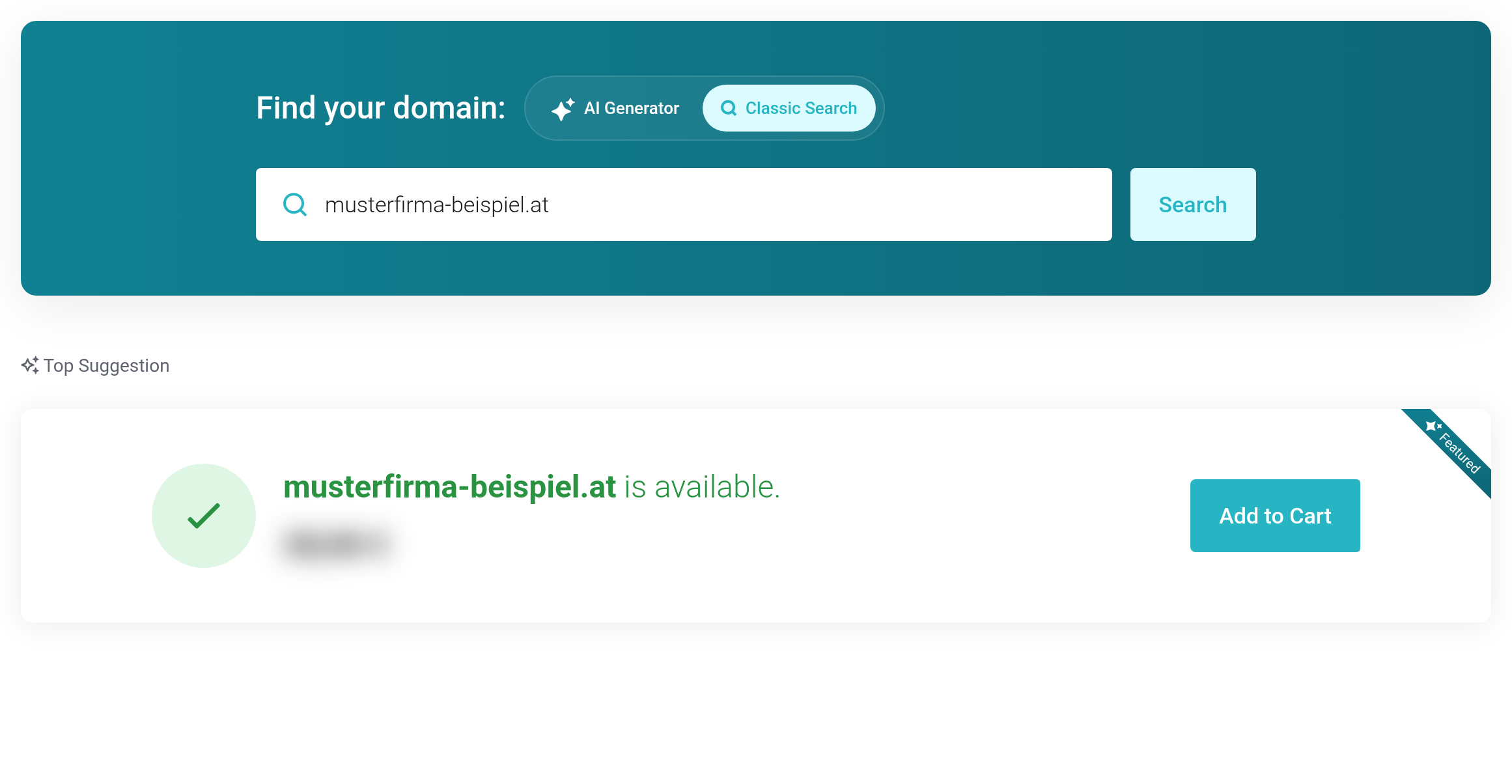
 The domain you searched for is free and can go into the cart.
Setting up the domain in the cart
In the next step, Domains Configuration, you decide how the domain is set up.
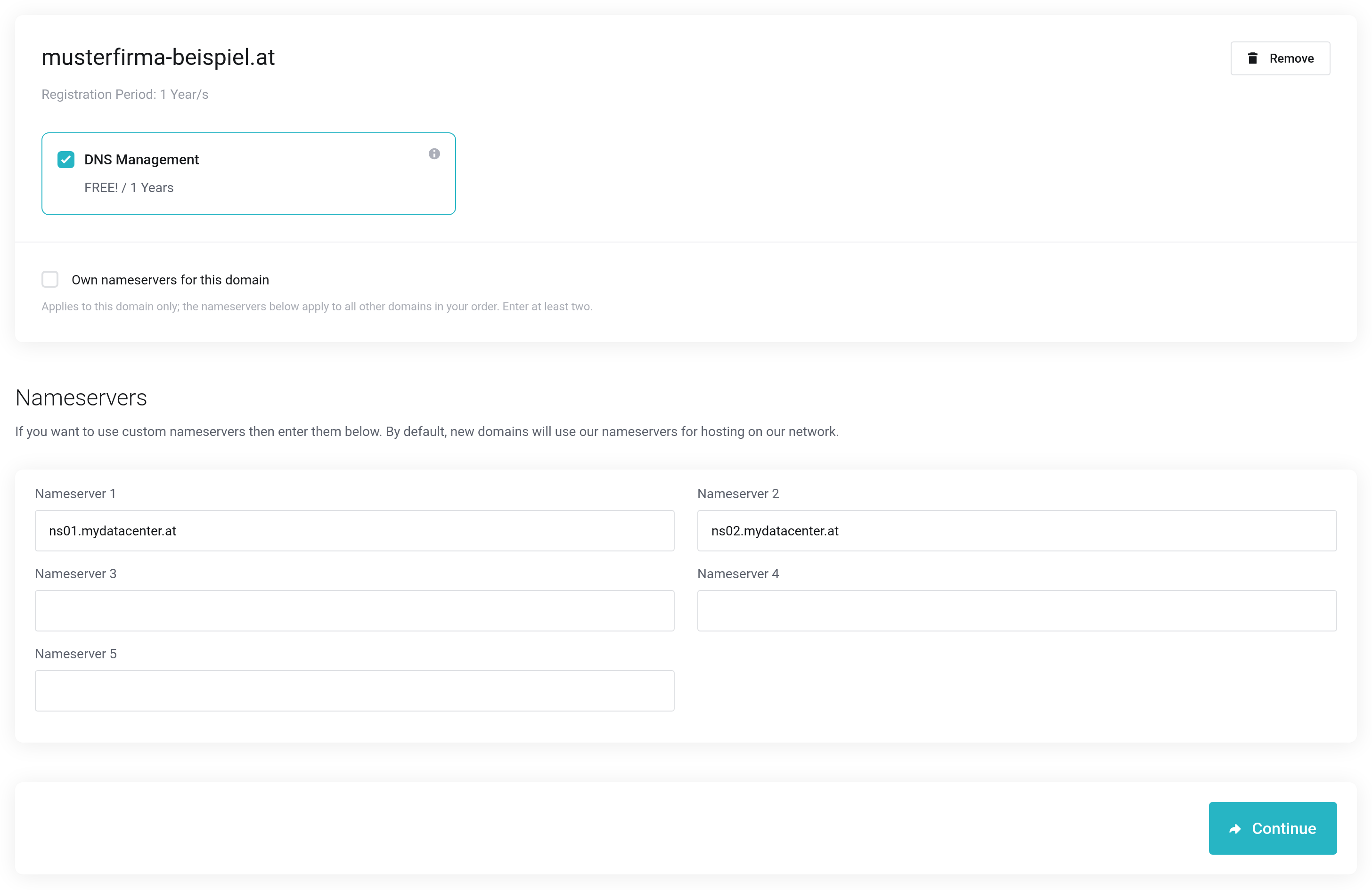
 DNS Management is already selected and our name servers are filled in.
- DNS Management
- Is already ticked. With it you maintain the DNS records of your domain — for example for your website and email — directly in the Client Area. Leave it ticked if you use our name servers. See DNS management on the domain.
- Nameservers
- Determine who serves the DNS records of your domain. Our name servers
ns01.mydatacenter.atandns02.mydatacenter.atare filled in. Only change this if your records are hosted with another provider. The entries apply to all domains in the cart. - Own nameservers for this domain
- If you have several domains in the cart and only one of them should get different name servers, tick this for that domain and enter at least two name servers.
Some extensions ask for additional details or confirmations in this step, for example the registry's registration policy. These fields then appear directly below the domain.
Click Continue, check the cart and complete your order.
Who is registered as the holder
The holder of the domain is usually the customer account you order with. The registry takes the name, address, email address and phone number from your account details. When you complete the order, you can choose a saved contact as the holder instead.
- Companies
- If your account details contain a VAT Number, we register the domain to your company.
- Private individuals
- Without a VAT number, we register the domain to you as a private individual. Where the extension allows it, your contact details are then not shown publicly in the domain lookup (WHOIS).
Not every registry accepts umlauts and the German ß. We therefore rewrite them for the registry, for example “Straße” becomes “Strasse”.
After your order
We register the domain as soon as the order is complete. If the domain points to our name servers, we create the DNS zone automatically at the same time. Once the domain is active, you find it on the Dashboard under Domains or directly under My Domains.


