
Under Usage you see how much computing power, memory and storage your websites actually need and how many visitors come. This lets you spot in good time whether your package still fits — or whether you should book more resources.
Choosing the period
At the top, choose 24 hours, 7 days or 30 days. The values are measured anew every minute; the right-hand side shows how current they are.
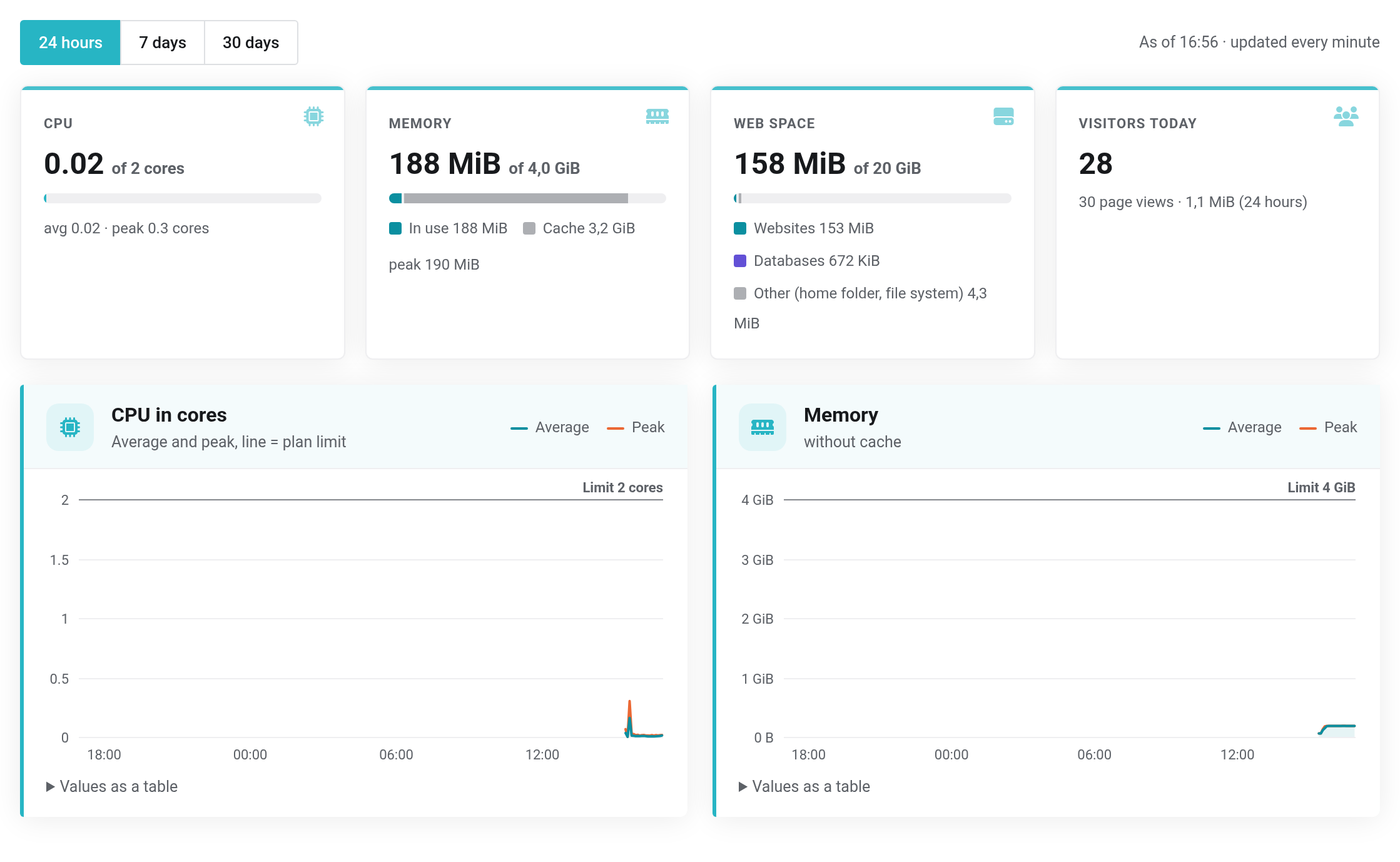
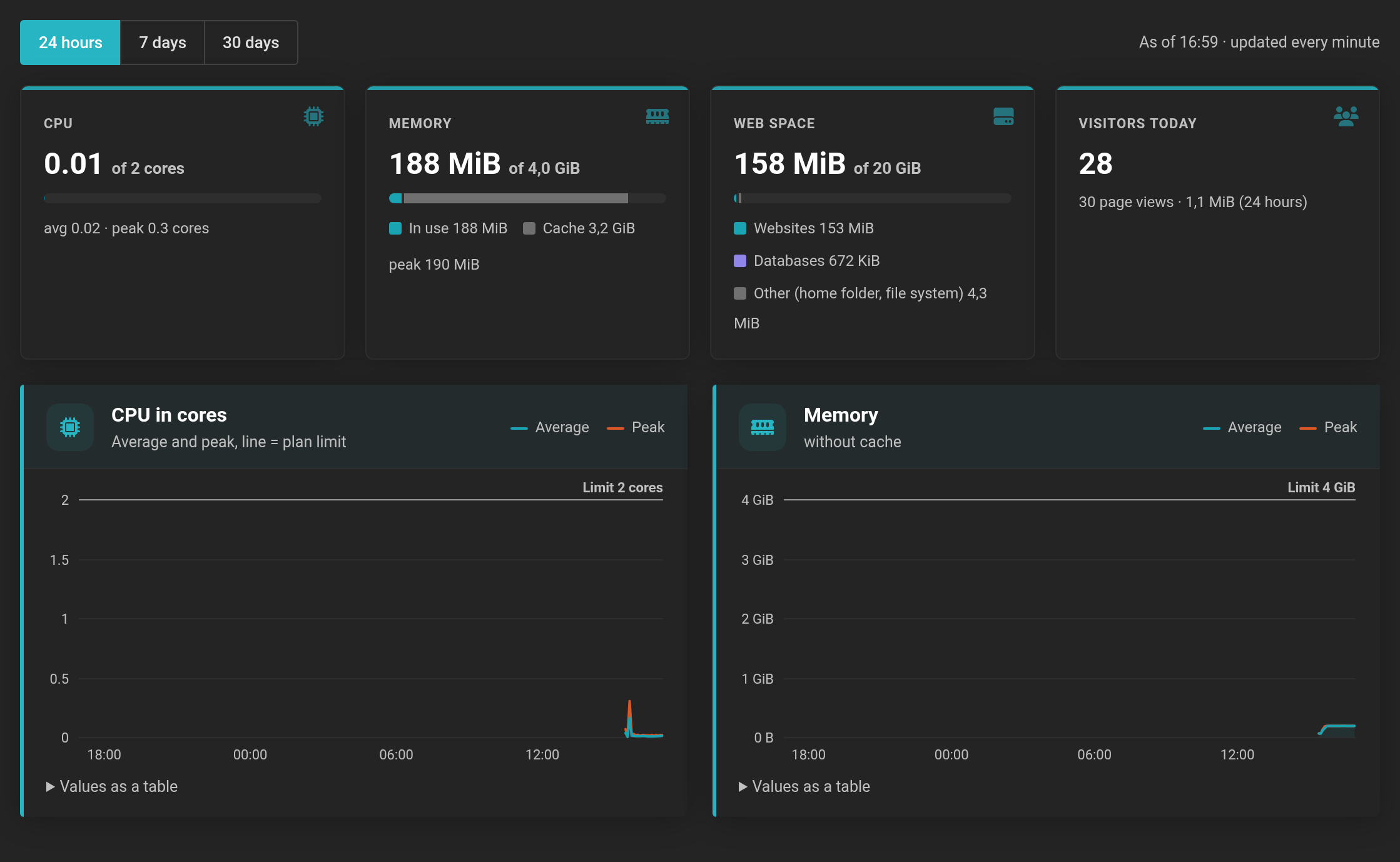 The line at the top of the charts is your package's limit.
What the tiles show
- CPU
- The computing power in cores, for example 0.4 of 2 cores, plus average and peak in the selected period. One fully used core equals the value 1.
- Memory
- How much memory your websites use, compared with your package. The Cache shown in gray consists of cached files; the system frees it when needed.
- Web space
- The storage in use, split into websites, databases and other.
- Visitors today
- The number of visitors and, below it, page views and data volume in the selected period.
The charts and tables
- CPU in cores and Memory show average and peak over the period. The horizontal line is your package's limit.
- Page views per hour or Visitors per day count all websites together, without bots. Counting works without cookies, and we do not store IP addresses for it.
- Per website shows CPU, memory, space, visitors, page views, data volume and server errors for each website. Below that are Memcache and Redis, cron jobs, shell sessions and other.
- Storage splits up the web space and lists the size of each database. Databases count towards the web space.
Below each chart, Values as a table opens the figures for reading.
When your package reaches its limits
Your websites cannot exceed the booked cores and memory. When things get tight, the page shows a notice:
- CPU limit (…) reached: throttled for ….
- Your websites would have needed more computing power and were slowed down for that time. Visitors notice this as slow pages.
- RAM at its limit at times (…).
- The memory was fully used at times.
- RAM full (…): process killed …×.
- The memory was not enough, and a process had to be stopped. Visitors may have seen an error page.
With Get more resources you increase cores or memory — see Changing resources. A cache often helps as well: the page cache (see PHP settings, Apache mode and page cache) or Redis (see Cron jobs, Memcache, Redis, Node.js and Ruby).


